
Presentory
Features
About the Tool
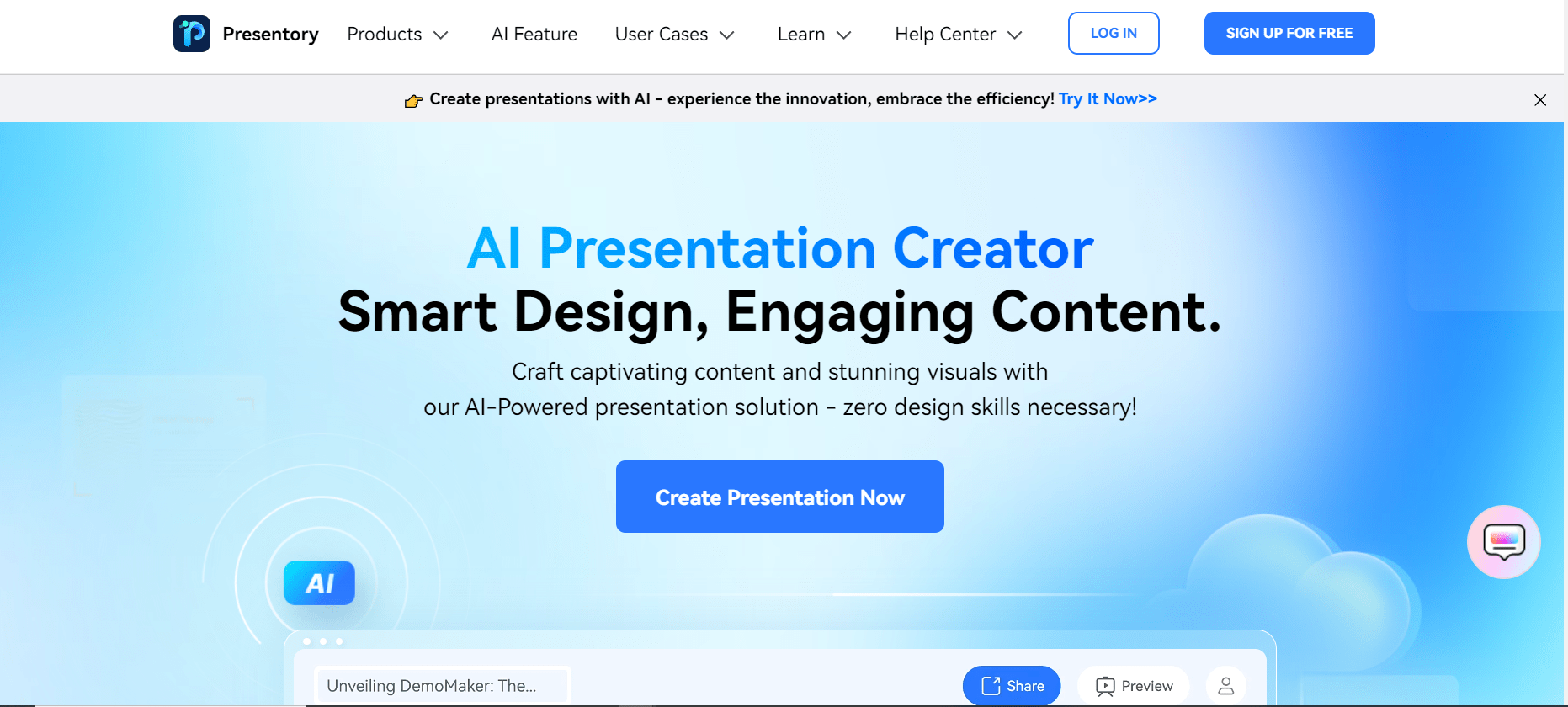
Presentory is an innovative presentation tool designed to elevate the way you create, manage, and deliver presentations. Tailored for both individuals and businesses, Presentory combines powerful features with user-friendly design to streamline the presentation process and enhance audience engagement.
Key Features
-
Interactive Slide Design
Transform static slides into dynamic experiences. Presentory’s advanced slide design tools allow you to add animations, transitions, and interactive elements without any coding knowledge.
-
Cloud-Based Collaboration
Work seamlessly with team members across different locations. Real-time collaboration features enable multiple users to edit and comment on presentations simultaneously, ensuring everyone’s input is included.
-
Analytics Dashboard
Gain insights into audience engagement with comprehensive analytics. Track viewer interactions, time spent on slides, and feedback to continually improve your presentations.
-
Template Library
Access a wide range of professionally designed templates to suit different occasions and industries. Customize these templates to align with your brand identity and storytelling needs.
-
Smart Content Suggestions
Utilize AI-driven content suggestions to enhance slide content with relevant images, quotes, and statistics. This feature helps you create compelling narratives effortlessly.
-
Seamless Integrations
Integrate Presentory with popular business tools like Slack, Zoom, and CRM systems to share presentations easily and efficiently. These integrations facilitate a smooth workflow across platforms.
-
Offline Access
Access and present your slides anytime, anywhere, even without an internet connection. Offline mode ensures that your presentations are always at your fingertips.
Use Cases
Presentory is ideal for:
- Marketing Teams: Craft compelling pitch decks and marketing materials.
- Sales Professionals: Deliver engaging sales presentations that close deals.
- Educational Institutions: Create interactive lessons and lectures for students.
- Event Planners: Showcase event proposals and portfolios with stunning visuals.
- Corporate Trainers: Develop engaging training modules for employee development.
Pricing
To learn more about our pricing options, please View pricing.
Tool Analysis
Pros
- Intuitive user interface makes design easy.
- Robust collaboration features enhance teamwork.
- Comprehensive analytics provide valuable insights.
Cons
- Advanced features may require a learning curve for new users.
- Some integrations need customizing to fit unique workflows.
FAQs
-
What platforms is Presentory compatible with?
Presentory is compatible with all major operating systems, including Windows, macOS, and Linux.
-
Can I import existing presentations into Presentory?
Yes, you can easily import slides from PowerPoint and other popular formats.
-
Is there a mobile app for Presentory?
Yes, Presentory offers mobile apps for both iOS and Android devices, optimizing presentations on the go.
-
Does Presentory offer customer support?
Presentory provides 24/7 customer support through chat, email, and phone to address your queries.
-
How secure is my data with Presentory?
Presentory employs top-tier encryption and security protocols to ensure your data remains protected at all times.
Review
Write a ReviewThere are no reviews yet.


