
Questpng

Features

About the Tool

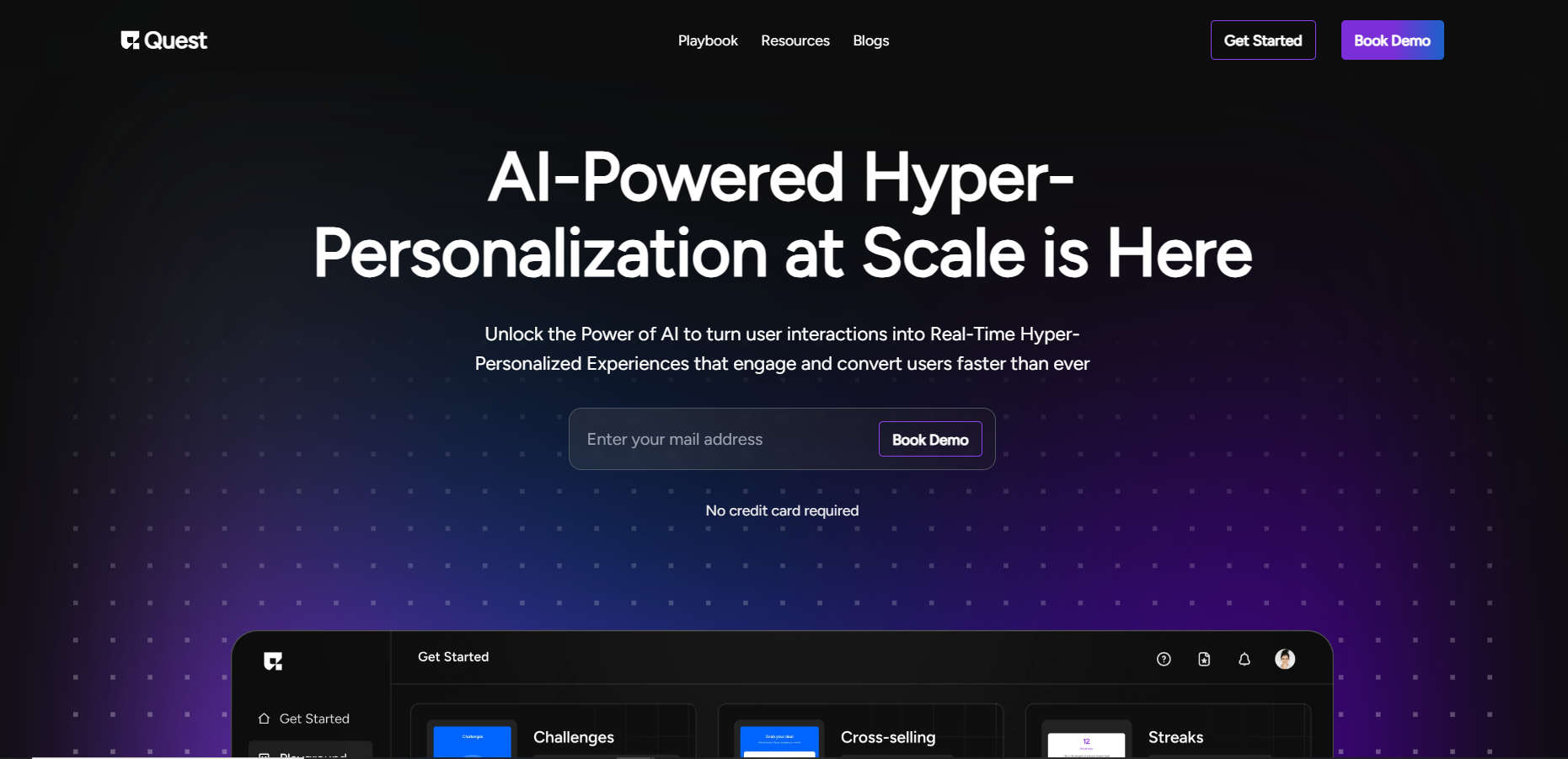
Quest is a comprehensive project management solution designed to streamline workflows, enhance team collaboration, and optimize project delivery. Suitable for businesses of all sizes, Quest is equipped with powerful tools that enable efficient task management, resource allocation, and performance tracking, making it an essential asset for any organization aiming to boost productivity and maintain a competitive edge.

Key Features

  • Task Management

    With Quest’s robust task management system, you can easily create, assign, and prioritize tasks, ensuring timely completion and accountability. The intuitive interface facilitates efficient delegation and enables teams to stay on top of their workload.

  • Real-Time Collaboration

    Quest fosters seamless collaboration with real-time updates and communication tools. Team members can share files, comment on tasks, and engage in direct messaging, reducing the friction often associated with distributed workforces.

  • Resource Management

    Optimize your team’s performance with advanced resource management features. Quest allows you to track team availability, allocate resources effectively, and prevent overbooking, ensuring that your projects are staffed appropriately for success.

  • Customizable Dashboards

    Gain insights into your projects with customizable dashboards that highlight key performance metrics. These dashboards offer clarity, helping teams and stakeholders make informed decisions by visualizing progress, identifying bottlenecks, and measuring outcomes.

  • Time Tracking

    Keep track of how time is spent with Quest’s integrated time tracking feature. This tool helps in understanding workload distribution, improving time management, and ultimately boosting productivity by highlighting areas where efficiency can be increased.

  • Integration Capabilities

    Quest seamlessly integrates with numerous third-party applications, including popular tools like Slack, Google Workspace, and Microsoft Teams. This allows teams to continue using their preferred tools while benefiting from Quest’s powerful project management capabilities.

Use Cases

Quest is ideal for various industries and roles, including:

  • Project Managers in technology and software development fields for overseeing complex projects.
  • Marketing teams needing a centralized platform for campaign planning and execution.
  • Consultancy firms looking to efficiently manage multiple client projects simultaneously.
  • HR departments aiming to streamline recruitment and onboarding processes.
  • Engineering teams focusing on resource and time management to meet strict deadlines.

Pricing

Quest offers a range of pricing plans to suit different organizational needs. View pricing

Tool Analysis

Pros

  • User-friendly interface that requires minimal training to get started.
  • Advanced integration options with many popular business tools.
  • Robust reporting and analytics capabilities.
  • Excellent customer support with quick response times.
  • Highly customizable to fit unique business processes.

Cons

  • Can be overwhelming for users not accustomed to project management software.
  • Some advanced features may require additional fees.
  • Customizations may need technical expertise to set up optimally.

FAQs

  • What types of businesses can benefit from Quest?

    Quest is versatile and can be beneficial for various industries including technology, marketing, consultancy, engineering, and HR.

  • Does Quest offer a free trial?

    Yes, Quest provides a free trial period for users to explore its features before committing to a subscription.

  • Can Quest be used on mobile devices?

    Yes, Quest offers mobile apps for both iOS and Android, allowing users to manage projects on the go.

  • Is data security a focus for Quest?

    Absolutely, Quest employs top-tier security measures including data encryption and regular security audits to protect user information.

  • Does Quest integrate with third-party applications?

    Yes, Quest supports integration with numerous third-party tools like Slack, Microsoft Teams, and Google Workspace for enhanced productivity.

There are no reviews yet.

Leave a Review

Your email address will not be published. Required fields are marked *

Related listing