Recraft

Recraftjpg

Recraft

Features

About the Tool

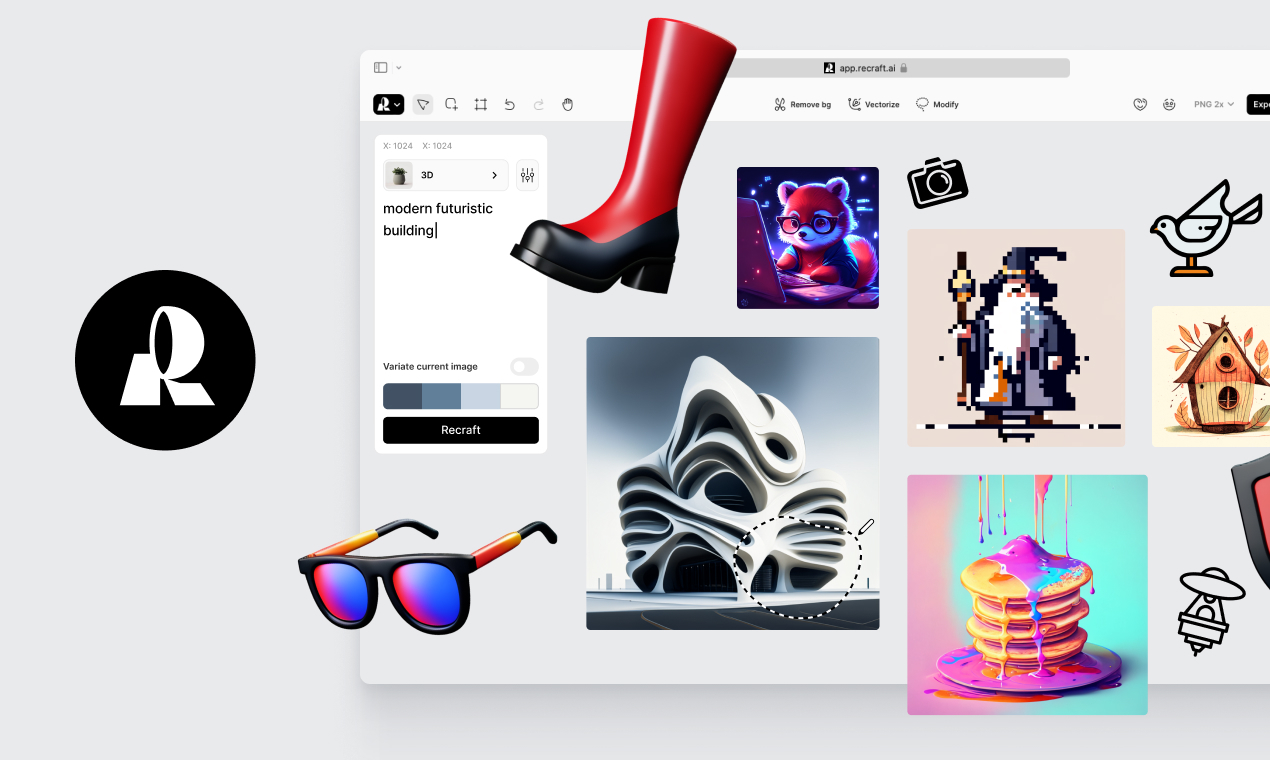
Recraft is an innovative design collaboration platform specifically engineered to streamline creative workflows and boost productivity. With an intuitive interface and a comprehensive suite of tools, Recraft enables teams across various industries to easily prototype, iterate, and finalize their design projects. Whether you’re an independent designer or part of a large creative team, Recraft is crafted to support every stage of your design process.

Key Features

  • Real-Time Collaboration

    Work together with your team in real-time, no matter where they are. Recraft allows multiple users to edit designs simultaneously, ensuring seamless collaboration and communication. Changes are instantly visible to all collaborators, keeping everyone on the same page.

  • Extensive Template Library

    Kickstart your projects with a rich library of customizable templates. Whether you’re designing a website, an app, or marketing material, Recraft offers templates that can be tailored to meet your specific needs, saving you time and effort.

  • Advanced Design Tools

    Recraft is packed with powerful design tools that allow for detailed customization. From vector editing to pixel-perfect precision, you can create designs that are both unique and professional. The intuitive toolset supports a wide range of creative needs.

  • Easy File Sharing

    Share your designs and receive feedback effortlessly with Recraft’s easy file-sharing capabilities. Export your work in multiple formats and ensure compatibility across different platforms and applications, making it easier to collaborate with external stakeholders.

  • Integration Capabilities

    Enhance your productivity with Recraft’s integration capabilities. Connect with popular tools you already use, such as Slack, Google Drive, and Adobe Creative Cloud, to create a seamless workflow that fits your unique requirements.

  • Version Control

    Easily manage iterations of your design with Recraft’s version control. Track changes, revert to previous versions, and experiment freely without the fear of losing your work. This feature is essential for maintaining the integrity of complex projects.

Use Cases

Recraft is ideal for a variety of roles and industries including:

  • Graphic Designers
  • Marketing Teams
  • Product Development Teams
  • Web and App Developers
  • Freelance Designers

Pricing

Discover the flexible pricing options that Recraft offers by visiting our pricing page. View pricing.

Tool Analysis

Pros

  • User-friendly interface that makes design accessible to everyone
  • Real-time collaboration improves team efficiency
  • Rich template library jumpstarts the creative process
  • Strong integration capabilities enhance flexibility
  • Reliable version control promotes creative experimentation

Cons

  • Initial setup can be time-consuming for complex integrations
  • Advanced features might have a learning curve for new users
  • Limited offline functionality could be a hinderance

FAQs

  • How do I get started with Recraft?

    To get started, sign up on the Recraft website, and you can begin a free trial to explore the platform’s features.

  • Can Recraft integrate with my existing tools?

    Yes, Recraft offers a range of integrations with popular software such as Slack, Google Drive, and Adobe Creative Cloud.

  • What support options does Recraft offer?

    Recraft provides a comprehensive support center with tutorials, FAQs, and customer support via email and chat.

  • Is Recraft suitable for freelancers?

    Absolutely, Recraft is designed to accommodate both individual freelancers and large teams, offering features that facilitate independent workflow and client collaboration.

  • Does Recraft offer mobile access?

    Yes, Recraft has a mobile app that allows you to access your projects on the go, ensuring you remain productive wherever you are.

There are no reviews yet.

Leave a Review

Your email address will not be published. Required fields are marked *

Related listing
