
Remover

removerpng

Remover

Features

About the Tool

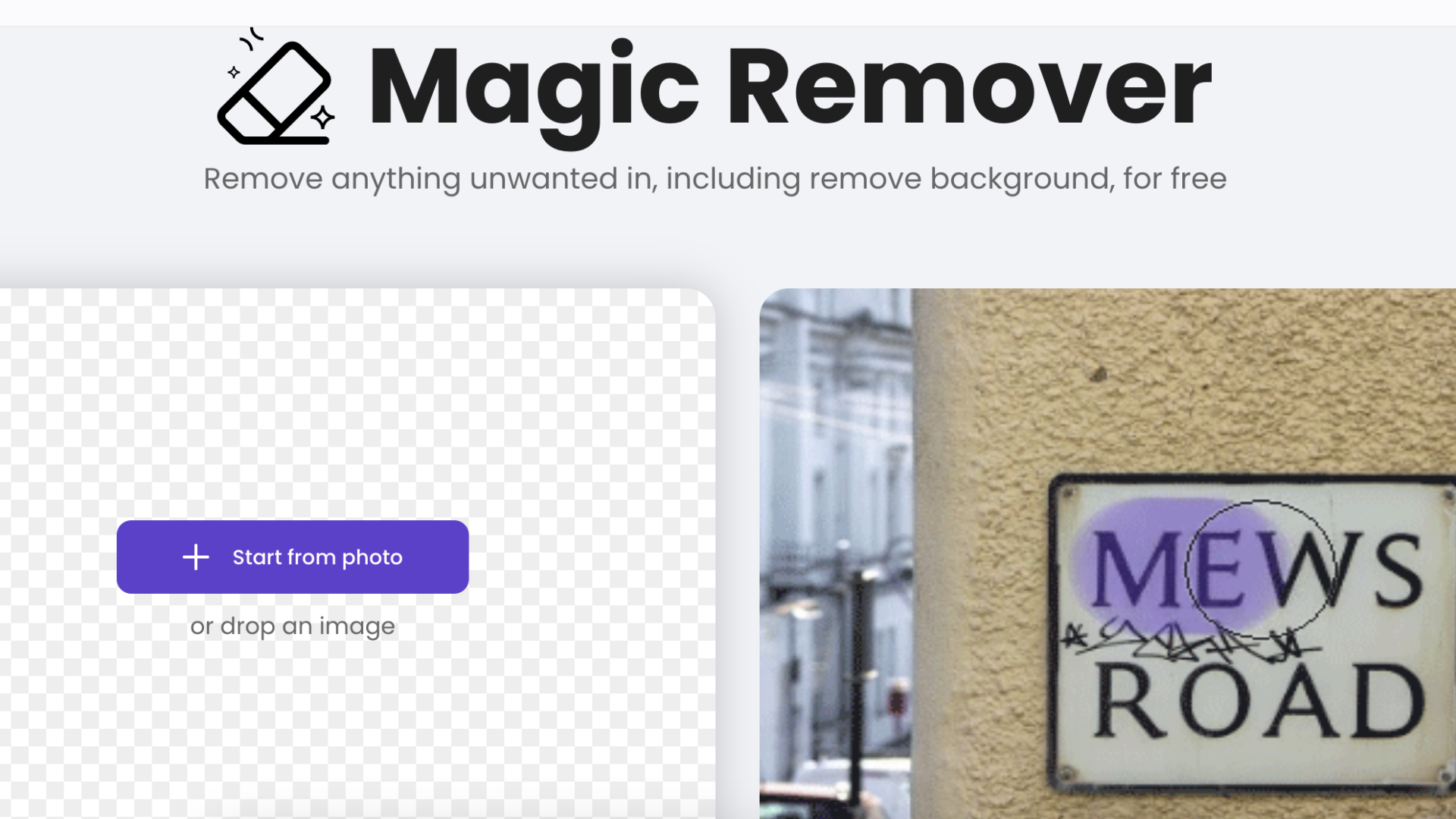
Remover is an innovative software solution designed to simplify and streamline the process of removing unwanted objects or elements from images. Tailored for professional photographers, graphic designers, and digital marketing specialists, Remover harnesses advanced AI algorithms to deliver exceptional editing capabilities with minimal effort. Whether you’re aiming for a clean background or need to eliminate distractions, Remover ensures precision and ease.

Key Features

  • AI-Powered Object Removal

    Remover uses cutting-edge artificial intelligence to accurately identify and seamlessly erase unwanted objects from your images, maintaining the integrity of the original composition.

  • Edge-Aware Resealing

    The tool’s edge-aware technology ensures that any erased elements are filled in with surrounding textures that blend naturally, leaving no trace of edits.

  • Batch Processing

    Maximize productivity by processing multiple images simultaneously. Remover supports batch editing, allowing you to remove objects from several images in one go.

  • Intuitive User Interface

    With a sleek and user-friendly interface, Remover enables users of all skill levels to navigate effortlessly, providing straightforward tools for complex editing tasks.

  • Integration with Editing Software

    Seamlessly integrate Remover into your current workflow with compatibility for popular editing software like Adobe Photoshop and GIMP, enhancing your editing toolkit.

  • High-Resolution Support

    Remover supports high-resolution images, ensuring that edits retain superior quality and clarity, perfect for professional publishing and digital presentations.

Use Cases

Remover is ideal for:

  • Professional Photographers looking to perfect their shots by eliminating distractions.
  • Graphic Designers who need to integrate images smoothly into various designs.
  • Digital Marketers aiming to enhance product images for better engagement.
  • E-commerce Businesses seeking to present clean, appealing product displays.

Pricing

To explore various pricing plans tailored to your needs, please visit the View pricing page.

Tool Analysis

Pros

  • Advanced AI-driven capabilities for precise editing.
  • Easy to use, even for beginners.
  • Streamlines workflow with batch processing and software integration.
  • Maintains high image quality in all edits.

Cons

  • Limited functionality without a stable internet connection due to cloud-based operations.
  • May require additional learning for complex applications beyond basic removal tasks.

FAQs

  • What file formats are supported by Remover?

    Remover supports various file formats including JPEG, PNG, and TIFF, among others.

  • Can Remover be used offline?

    Remover is primarily a cloud-based application and requires an internet connection for real-time processing and updates.

  • Is there a mobile version of Remover?

    Currently, Remover is available for desktop use, but a mobile version is in development to provide on-the-go editing capabilities in the near future.

  • Does Remover offer customer support?

    Yes, Remover provides 24/7 customer support via chat and email to help with any technical issues or queries.

  • How does Remover ensure the privacy of my images?

    Remover employs robust encryption measures to secure user data and images during processing, ensuring your privacy at all times.

There are no reviews yet.

Leave a Review

Your email address will not be published. Required fields are marked *

Related listing