
SaveDaypng

SaveDay

Features

About the Tool

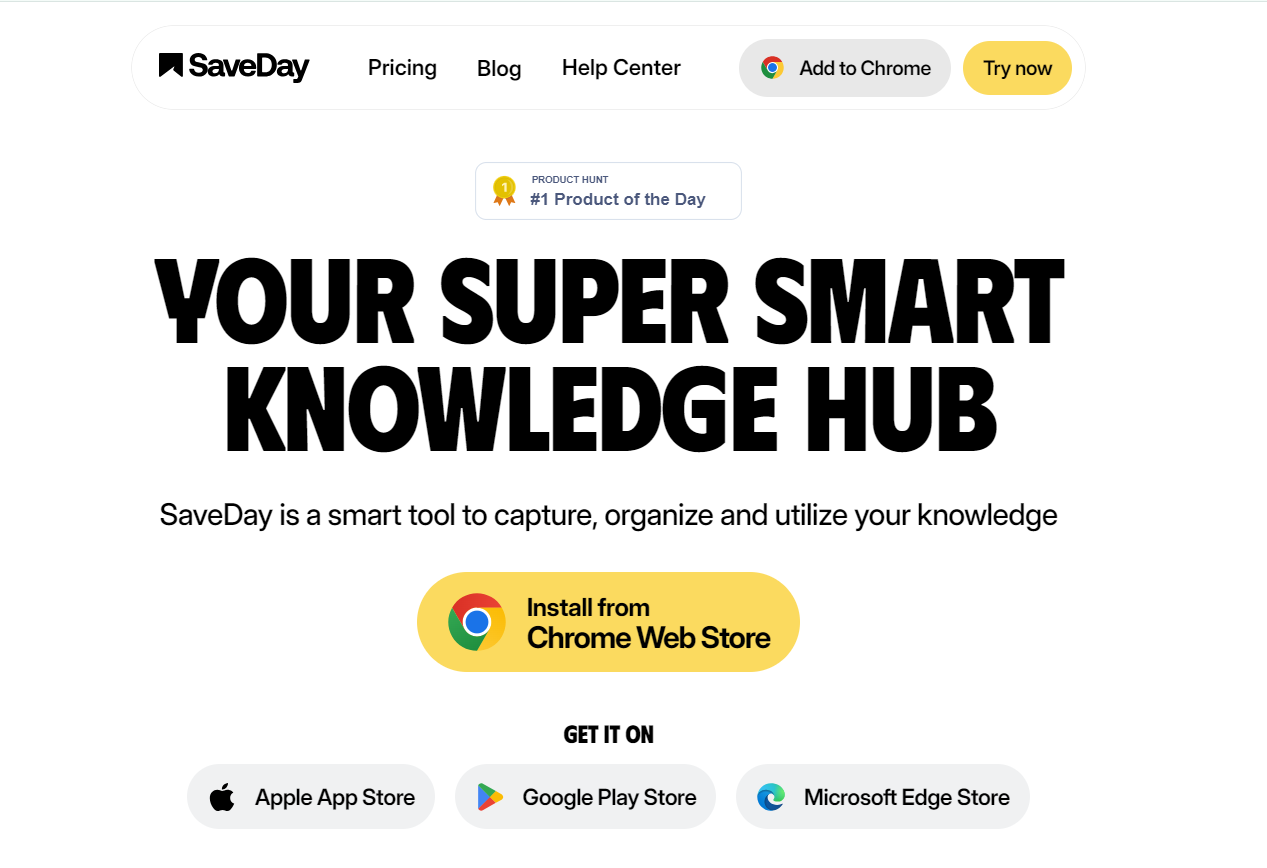
SaveDay is a versatile and efficient productivity tool designed to streamline workflow management and enhance team collaboration. Developed to cater to both individual users and businesses, SaveDay integrates advanced task management features with intuitive design, providing an all-in-one solution to optimize productivity and save time.

Key Features

  • Task Management

    SaveDay offers a robust task management system that allows users to create, assign, and track tasks effortlessly. With customizable task statuses and deadlines, it becomes simple to monitor progress and stay on top of your workload.

  • Time Tracking

    Keep an accurate record of the time spent on tasks with SaveDay’s built-in time tracking. This feature is invaluable for project managers and freelancers who need to bill clients accurately and improve time efficiency.

  • Team Collaboration

    Facilitating seamless collaboration, SaveDay provides tools for team communication, shared calendars, and collaborative workspaces. These tools help teams stay connected, even remotely, and work collectively towards common goals.

  • Reporting and Analytics

    Gain insights into project performance and team productivity with data-driven reporting and analytics. Customizable dashboards offer visual representation of key metrics, aiding in informed decision-making.

  • Integrations

    SaveDay integrates seamlessly with popular applications such as Google Workspace, Slack, and Trello, ensuring that you can migrate existing workflows and data without disruption.

  • Data Security

    Prioritizing data privacy, SaveDay implements advanced security protocols including data encryption and secure user authentication, ensuring your information remains protected at all times.

Use Cases

SaveDay is ideal for a wide array of users and industries, including project managers, freelancers, IT teams, marketing agencies, and startups. It provides tools for efficient project tracking, team collaboration, and productivity analysis.

Pricing

For detailed pricing information, please visit our pricing page.

Tool Analysis

Pros

  • Intuitive user interface and easy onboarding process.
  • Comprehensive task and time management features.
  • Robust data analytics and reporting capabilities.
  • Strong integration options with popular third-party tools.
  • Secure data management and privacy-focused approach.

Cons

  • May have a learning curve for advanced features for new users.
  • Limited offline functionality can hinder productivity during connectivity issues.

FAQs

  • Is SaveDay suitable for remote teams?

    Yes, SaveDay is designed to support remote teams with features such as collaborative workspaces, shared calendars, and integrated communication tools.

  • Does SaveDay offer a free trial?

    Yes, SaveDay provides a free trial period for users to explore its features before committing to a subscription plan.

  • Can I export my data from SaveDay?

    Yes, SaveDay enables data export in various formats, ensuring that you can maintain control over your project data.

  • What support does SaveDay offer?

    SaveDay offers comprehensive customer support through live chat, email, and an extensive knowledge base to help users resolve issues swiftly.

  • Does SaveDay have mobile apps?

    Yes, SaveDay offers mobile applications for both iOS and Android devices, enabling users to manage tasks and collaborate on the go.

There are no reviews yet.

Leave a Review

Your email address will not be published. Required fields are marked *

Related listing