
ScreenshotAI

ScreenshotAIpng

ScreenshotAI

Features

About the Tool

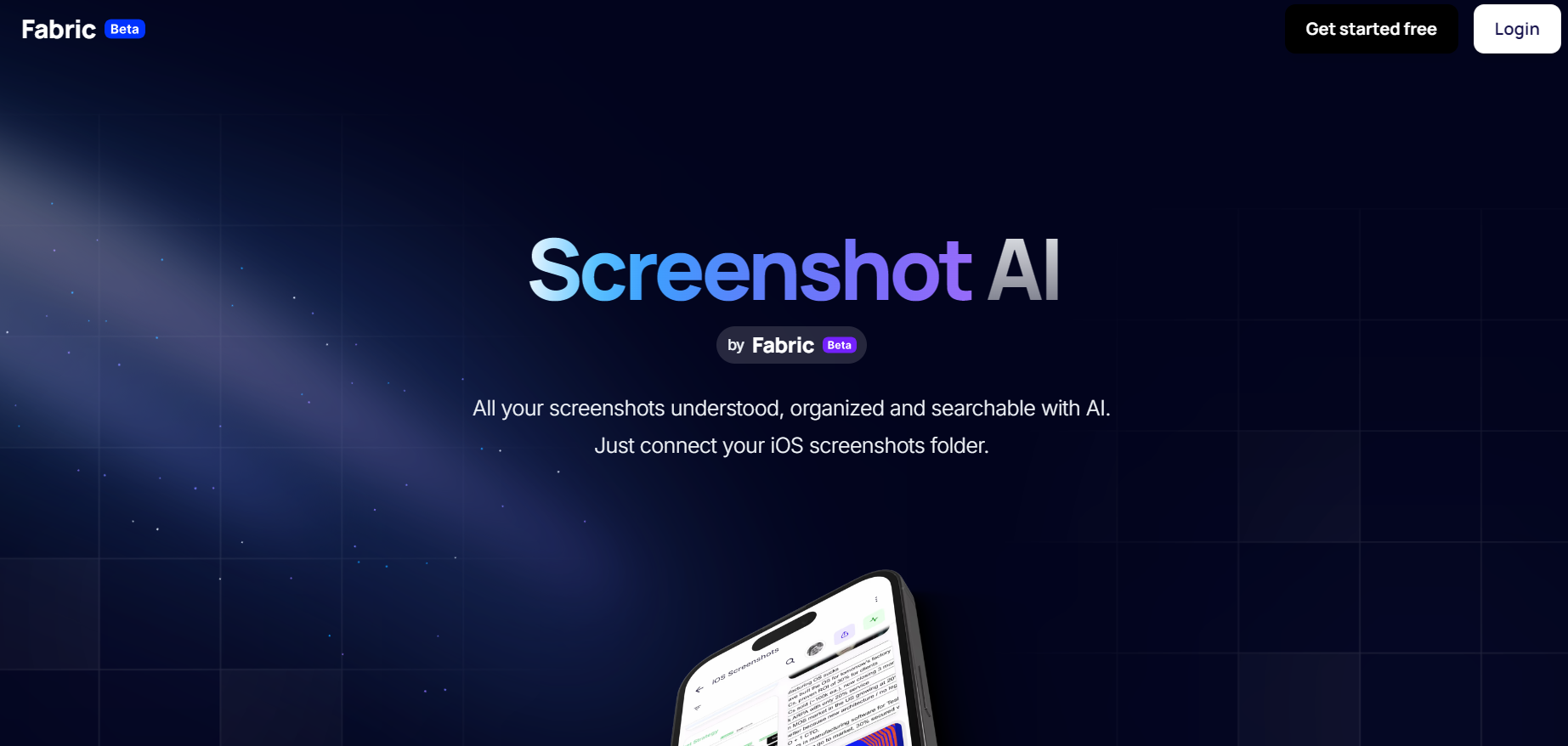
ScreenshotAI is an AI-powered tool by Fabric that transforms your screenshots into organized, searchable notes. Instead of cluttered folders, every screenshot you take is automatically synced, analyzed, and tagged with context, making it easy to find and reuse information later. It’s designed for professionals, students, and teams who rely on screenshots for research, documentation, or idea capture.

Key Features

  • Automatic Screenshot Sync

    ScreenshotAI connects directly to your device’s screenshot folder, ensuring every capture is automatically saved and ready to use without extra steps.

  • AI-Powered Organization

    Using advanced AI, ScreenshotAI analyzes each screenshot, extracts text, and applies smart tags to make your visual notes searchable and easy to retrieve.

  • Smart Search

    Find any screenshot in seconds by searching for keywords, extracted text, or contextual tags, instead of manually browsing through folders.

  • Cross-Device Access

    Access your synced and organized screenshots across mobile devices and the web through Fabric’s workspace, keeping your content always within reach.

  • Context Preservation

    When screenshots are captured through the browser extension, ScreenshotAI saves the source URL and context, making it easier to reference the original material later.

  • Fabric Workspace Integration

    All screenshots become part of your Fabric workspace, where they can be combined with notes, files, and other resources for streamlined knowledge management.

Use Cases

ScreenshotAI is ideal for professionals, students, and teams who rely on screenshots as part of their workflow. Designers and researchers can capture visual references and keep them searchable for later projects. Students and educators benefit from having class materials, readings, or online resources automatically organized into accessible notes. Knowledge workers and digital marketers can quickly retrieve important screenshots with context preserved, saving time when preparing reports or presentations. By turning screenshots into searchable smart notes, ScreenshotAI ensures that visual information is always organized, contextualized, and easy to use.

Pricing

For detailed pricing information, please visit the View pricing page.

Tool Analysis

Pros

  • Automatically organizes screenshots with AI tagging and text extraction.
  • Powerful search makes it easy to retrieve visual information by keyword or context.
  • Preserves source details (like URLs) for better reference and organization.
  • Seamless access across devices through Fabric’s mobile app and workspace.
  • Reduces manual effort by turning screenshots into searchable smart notes.

Cons

  • No built-in annotation tools for marking up screenshots.
  • Full functionality depends on cloud sync, so an internet connection is required.
  • Currently focused on mobile and browser use, with limited desktop-native support.
  • Best suited for organization and retrieval, not for advanced editing.

FAQs

  • What is ScreenshotAI used for?

    ScreenshotAI automatically organizes your screenshots by extracting text, tagging content, and making them searchable, so you can easily find and reuse visual information.

  • Can ScreenshotAI edit or annotate screenshots?

    No, ScreenshotAI focuses on organization and retrieval rather than annotation. It’s designed to turn screenshots into searchable smart notes.

  • Does ScreenshotAI work across devices?

    Yes, ScreenshotAI syncs with your mobile device’s screenshot folder and is accessible through Fabric’s workspace on mobile and web.

  • Can I search the text within my screenshots?

    Yes, ScreenshotAI uses AI to extract and index text from screenshots, allowing you to search by keywords or phrases.

  • Is ScreenshotAI free to use?

    ScreenshotAI offers free access with core features, with additional functionality available through Fabric’s broader workspace plans.

There are no reviews yet.

Leave a Review

Your email address will not be published. Required fields are marked *

Related listing