
Flick: Social
- Pricing : Freemium

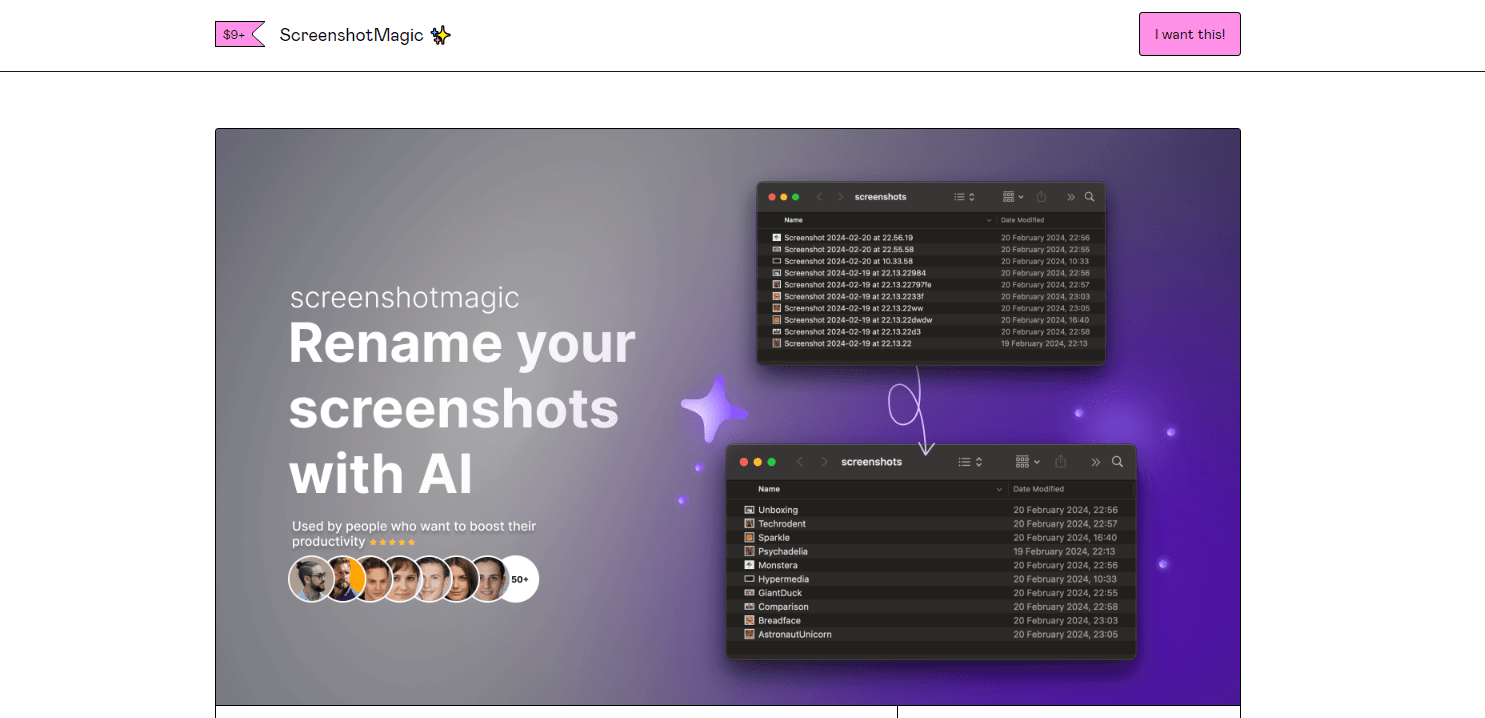
ScreenshotMagic is a versatile screenshot software designed to cater to business and personal needs by providing an intuitive interface and robust features. Whether for project documentation, training, or enhancing customer support, ScreenshotMagic simplifies capturing and managing high-quality screenshots.
Utilize advanced algorithms to take superior screenshots across various devices and resolutions. Smart Capture ensures uniformity and quality in all images.
Efficiently manage large volumes of images with batch processing capabilities. This feature saves time by automating repetitive tasks associated with image cropping, resizing, and organizing.
Enhance your screenshots with a comprehensive suite of annotation tools. Add text, arrows, shapes, and highlights to emphasize specific areas and create informative visuals.
Store and share your screenshots seamlessly with integration to major cloud services like Google Drive, Dropbox, and Microsoft OneDrive, ensuring easy access from anywhere.
Support for various file formats including PNG, JPEG, and PDF so you can export and share your screenshots according to your needs without compromising quality.
Compatible with Windows, macOS, and Linux, ScreenshotMagic offers a consistent experience across different operating systems, making it ideal for diverse work environments.
ScreenshotMagic is suited for a range of roles and industries. Project managers can document progress visually, educators can create teaching materials, and customer support teams can use annotated screenshots to enhance communication. It’s also perfect for graphic designers needing detailed visual references.
ScreenshotMagic offers a range of pricing plans to fit different needs and budgets. For detailed pricing options, please View pricing.
Currently, ScreenshotMagic is designed for desktop platforms including Windows, macOS, and Linux. Mobile compatibility is planned for future updates.
ScreenshotMagic uses end-to-end encryption for all data transfers to and from its servers, ensuring that your screenshots remain private and secure.
Yes, ScreenshotMagic offers a limited free version which includes basic features. More advanced tools are available in the premium plans.
Integration can be easily set up in the settings menu where you link your ScreenshotMagic account with your preferred cloud service by following the provided instructions.
ScreenshotMagic provides 24/7 customer support via email and chat to assist with any technical difficulties or inquiries you may have.
There are no reviews yet.