
Shapepng

Features

About the Tool

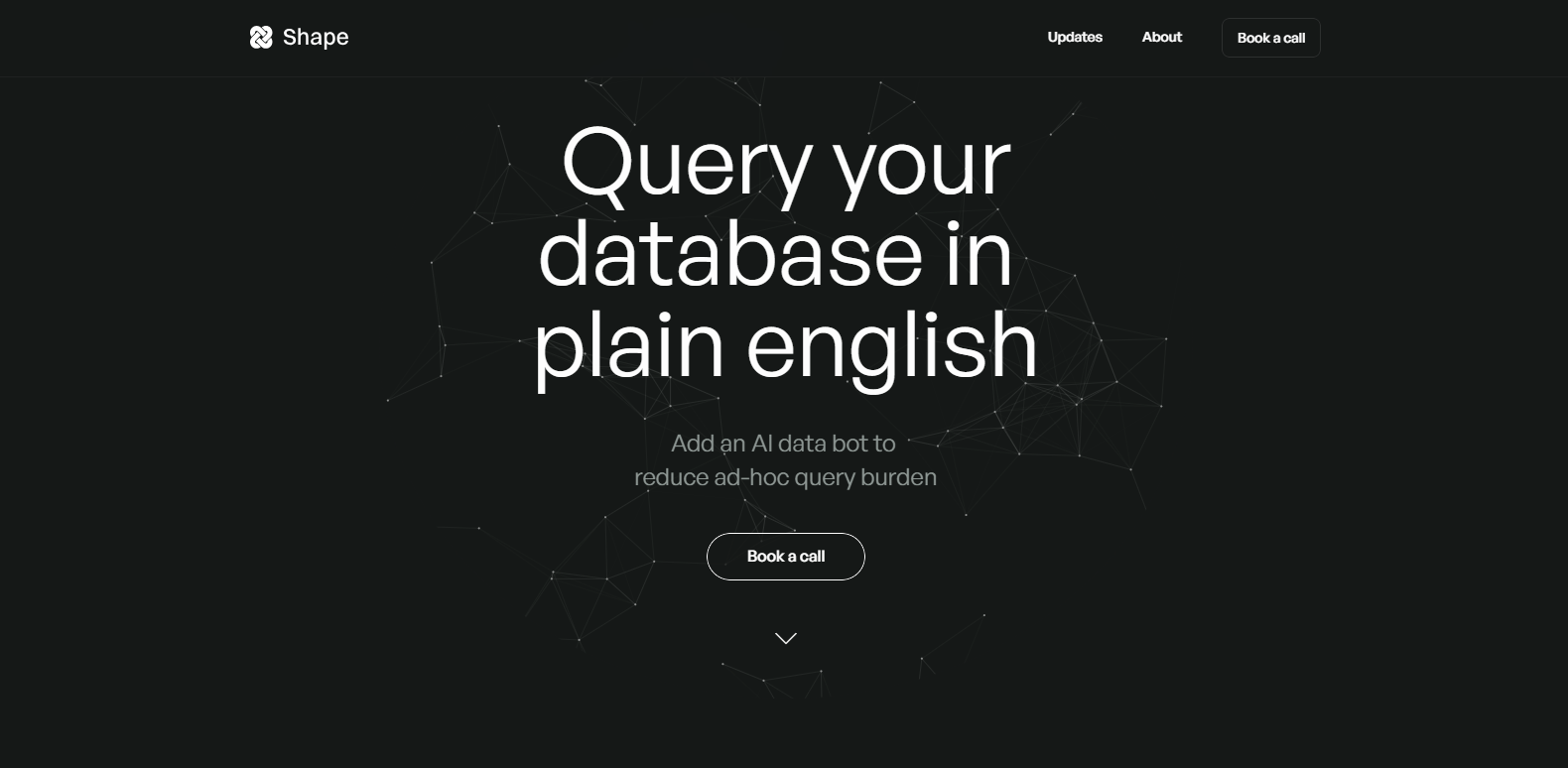
Shape is a dynamic project management solution designed to streamline workflows, enhance team collaboration, and boost productivity. Suitable for teams of all sizes, Shape offers a user-friendly interface, advanced features, and flexible integrations to adapt to various industries and organizational needs.

Key Features

  • Intuitive Dashboard

    Shape’s dashboard provides a comprehensive overview of all your projects and tasks. With customizable widgets, users can easily track progress, manage deadlines, and visualize data in real-time.

  • Task Management

    Effortlessly create, assign, and prioritize tasks to ensure efficient workflow. Users can set deadlines, add comments, and attach files to ensure all relevant information is in one place.

  • Collaborative Tools

    Promote seamless communication among team members with integrated chat and comment features. Share updates instantly and ensure everyone is aligned on project goals.

  • Resource Allocation

    Optimize team performance by effectively managing resources. Shape includes tools to allocate tasks based on availability and skill sets, ensuring balanced workloads and project success.

  • Time Tracking

    Utilize robust time tracking tools to monitor how time is being spent across projects. This feature helps in improving productivity and accurately billing clients.

  • Comprehensive Reporting

    Generate detailed reports with ease to analyze performance metrics and project outcomes. Shape enables data-driven decision-making with customizable reporting options.

  • Third-Party Integrations

    Shape seamlessly integrates with various third-party applications, such as Slack, Google Workspace, and Microsoft Office, enhancing its functionality and flexibility.

Use Cases

Shape is ideal for project managers, team leaders, and executives across industries such as software development, marketing, construction, and finance. It supports both small businesses and large enterprises in managing complex projects efficiently.

Pricing

Shape offers flexible pricing plans to cater to different organizational needs. View pricing.

Tool Analysis

Pros

  • User-friendly interface that simplifies project management tasks.
  • Comprehensive feature set that covers all aspects of project management.
  • Flexible integrations with popular third-party tools.
  • Scalable to suit businesses of all sizes.

Cons

  • Advanced features might require a learning curve for new users.
  • Some integrations require additional setup.
  • Premium features are available only in higher-tier plans.

FAQs

  • Is Shape suitable for remote teams?

    Yes, Shape is designed to support remote teams with features such as collaborative tools and real-time updates, making it ideal for a distributed workforce.

  • Can Shape be customized to fit my business needs?

    Absolutely. Shape offers customizable dashboards, workflows, and reporting options to ensure it meets the specific requirements of any business.

  • Does Shape offer a mobile app?

    Yes, Shape offers a mobile app that allows users to manage tasks and stay connected with their team on the go.

  • What kind of support does Shape provide?

    Shape offers comprehensive customer support, including tutorials, a knowledge base, and 24/7 technical assistance.

  • Is there a free trial available?

    Yes, Shape offers a free trial for new users to explore its features before committing to a paid plan.

There are no reviews yet.

Leave a Review

Your email address will not be published. Required fields are marked *

Related listing