
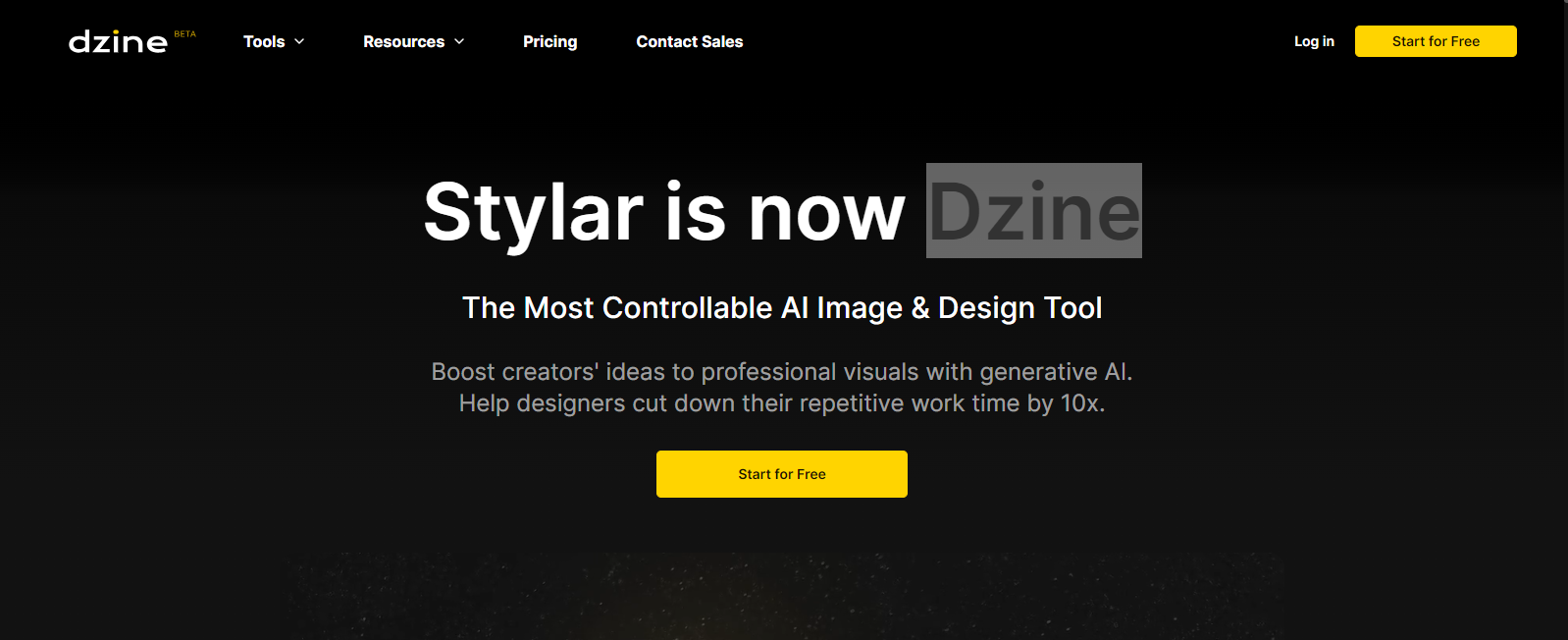
Stylar

Stylarpng

Features

About the Tool

Stylar is a cutting-edge design toolkit crafted for fashion designers and apparel manufacturers. By streamlining the design process with intuitive tools, Stylar enhances creativity and efficiency in garment development. It’s engineered to provide robust, user-friendly solutions tailored to the unique needs of the fashion industry.

Key Features

  • Interactive Design Templates

    Access a wide array of customizable design templates that can be easily adjusted to fit any design concept. These templates help users jumpstart their creative process and save time on repetitive tasks.

  • 3D Visualization

    Bring your designs to life with realistic 3D visualization features. This allows designers to see their creations in a lifelike format, facilitating better design decisions and communication with clients.

  • Fabric and Pattern Library

    An extensive library of textiles and patterns is readily available. Users can mix and match fabrics and patterns to test different looks, ensuring the final product meets their vision and expectations.

  • Collaboration and Feedback Tools

    Improve team collaboration with built-in tools that allow for real-time feedback and updates. This feature makes it easy to gather input from team members and clients, speeding up approval processes.

  • Integration with Manufacturing Systems

    Seamlessly integrate with existing manufacturing systems to ensure accurate production specifications and reduce errors. This integration streamlines the transition from design to production.

  • Advanced Pattern Drafting

    Leverage advanced pattern drafting capabilities that enable detailed customization. Designers can create unique silhouettes and detail-oriented garments without hassle.

Use Cases

Stylar is designed for fashion designers, apparel manufacturers, textile designers, and creative directors. It’s ideal for roles requiring intricate design tasks and collaboration, as well as industries focused on apparel production and fashion innovation.

Pricing

For detailed pricing information, please visit our View pricing page.

Tool Analysis

Pros

  • Comprehensive design features that enhance creativity.
  • Interactive interface that simplifies the design process.
  • Strong integration capabilities with production systems.
  • Efficient team collaboration tools.

Cons

  • Steep learning curve for beginners.
  • Limited offline functionality.
  • Requires a stable internet connection for optimal performance.

FAQs

  • Is Stylar suitable for small design teams?

    Yes, Stylar is scalable and can be tailored to fit the needs of both small and large design teams.

  • Can I import my existing designs into Stylar?

    Absolutely, Stylar supports various file formats for easy import and export of design files.

  • Is there a mobile app available for Stylar?

    Currently, Stylar is optimized for desktop use, with a mobile app in development to expand accessibility.

  • How secure is my data on Stylar?

    Stylar employs state-of-the-art security measures to protect your data, including encryption and regular security audits.

  • What level of customer support does Stylar offer?

    Stylar provides 24/7 customer support via chat, email, and phone to assist with any queries or technical issues.

There are no reviews yet.

Leave a Review

Your email address will not be published. Required fields are marked *

Related listing