
toolpadpng

Toolpad

Features

About the Tool

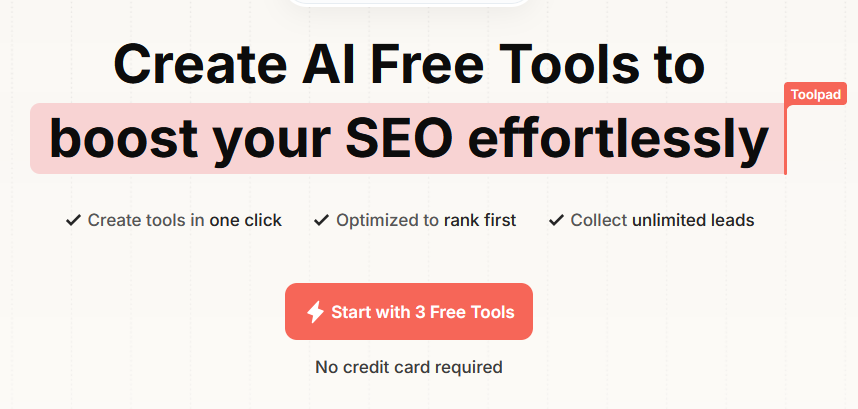
Toolpad is a versatile platform designed for streamlining workflow automation and enhancing team productivity. Built with both simplicity and powerful functionalities in mind, Toolpad offers businesses a comprehensive solution to coordinate tasks, manage projects, and automate repetitive processes.

Key Features

  • Drag-and-Drop Interface

    With Toolpad’s intuitive drag-and-drop builder, users can easily create workflows and automate tasks without needing any prior coding experience. This user-friendly aspect allows for quick onboarding and seamless integration into existing systems.

  • Customizable Templates

    To accelerate task automation, Toolpad offers a library of customizable templates suited for various industries and requirements. Users can modify these templates to align with specific business needs, saving time and effort in workflow design.

  • Real-Time Collaboration

    Toolpad facilitates real-time collaboration among team members, enabling them to share insights, monitor progress, and make data-driven decisions collectively. Team dashboards provide an overview of project statuses and individual contributions.

  • Advanced Analytics

    By offering robust analytical tools, Toolpad empowers users with the ability to track key performance indicators and measure the impact of automated workflows. Detailed reports and interactive charts provide valuable insights to boost productivity.

  • Third-Party Integrations

    Toolpad seamlessly integrates with a variety of third-party applications, ensuring a cohesive workflow across different platforms. This integration capability enhances functionality and reduces the hassle of switching between multiple tools.

  • Secure Data Management

    Ensuring data security and confidentiality is a priority for Toolpad. The platform implements advanced encryption and security protocols to protect sensitive information and maintain compliance with industry standards.

Use Cases

  • Project Managers
  • Marketing Teams
  • IT Departments
  • HR Professionals
  • Financial Analysts

Pricing

For detailed pricing information suited to your business needs, please visit our View pricing page.

Tool Analysis

Pros

  • User-friendly and intuitive interface
  • Comprehensive template library
  • Strong third-party integration support
  • Robust security measures
  • Scalable solutions for various business sizes

Cons

  • Limited offline functionality
  • Potential learning curve for advanced features
  • Customization might require additional training

FAQs

  • What industries use Toolpad?

    Toolpad is designed for use across various industries, including technology, finance, healthcare, and marketing sectors. Its adaptable features make it suitable for any business looking to enhance their workflow automation.

  • Can Toolpad integrate with other software?

    Yes, Toolpad offers robust integration options with various third-party applications, ensuring seamless workflow transitions and enhanced productivity across different platforms.

  • How secure is Toolpad?

    Toolpad employs advanced encryption and security protocols to safeguard user data and ensure compliance with industry standards, providing peace of mind to its users.

  • Is there a free trial available?

    Yes, Toolpad offers a free trial for new users to explore its features and understand how it can benefit their business before committing to a paid plan.

  • Can Toolpad be used by remote teams?

    Toolpad is ideal for remote teams, offering real-time collaboration features that allow team members to coordinate effectively, regardless of their physical location.

There are no reviews yet.

Leave a Review

Your email address will not be published. Required fields are marked *

Related listing