
Windframepng

Windframe

Features

About the Tool

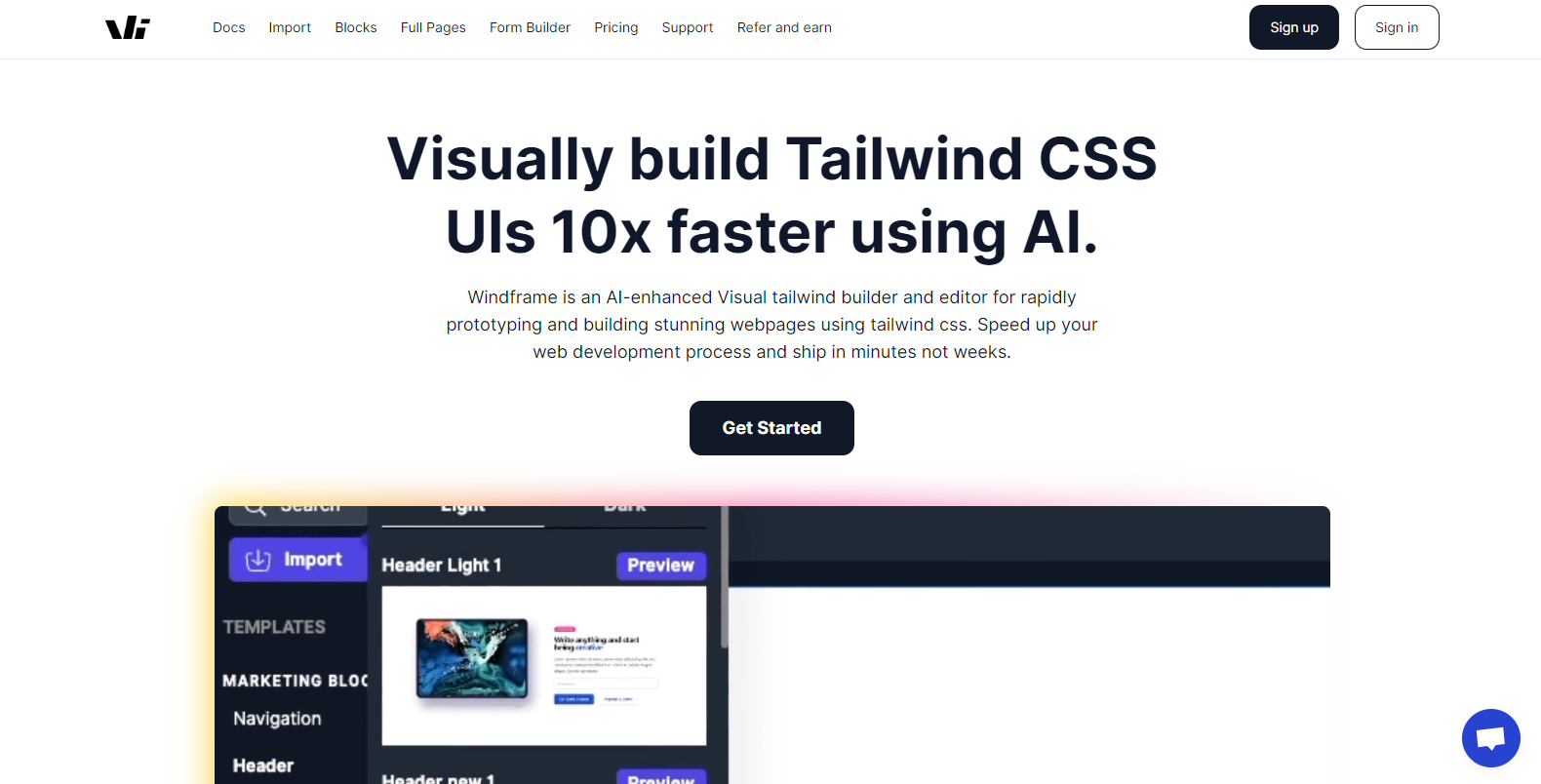
Windframe is an AI-powered visual editor built for Tailwind CSS that helps developers and designers create responsive UIs quickly and efficiently. It combines a drag-and-drop interface with a rich library of pre-built components and templates, while also offering AI features that can generate or adapt code on demand. With clean Tailwind output and support for exporting to frameworks like React, Vue, Angular, and Svelte, Windframe streamlines the process of turning design ideas into production-ready code.

Key Features

  • AI-Powered Design

    Generate UI components with natural language prompts or convert images into Tailwind code using built-in AI tools.

  • Extensive Component Library

    Access a library of 1,000+ Tailwind blocks and full-page templates that can be customized to fit any project.

  • Visual Drag-and-Drop Editing

    Build and edit layouts in an intuitive visual editor while maintaining clean, semantic Tailwind CSS code.

  • Responsive Design Controls

    Ensure projects look great on any device with built-in responsive features for mobile, tablet, and desktop.

  • Flexible Code Export

    Export production-ready code in React, Vue, Angular, Svelte, or plain HTML to fit your tech stack.

  • Custom Uploads

    Import and reuse your own templates, components, and design assets for a tailored workflow.

Use Cases

Windframe is ideal for frontend developers, UI/UX designers, and digital agencies who want to accelerate the creation of responsive websites and applications. It supports rapid prototyping by transforming design ideas into working interfaces without starting from scratch, making it a valuable tool for building landing pages, dashboards, and full applications. Agencies and teams can streamline their workflows by reusing customizable templates and components, while learners benefit from an accessible way to practice and explore Tailwind CSS design principles.

Pricing

Windframe offers a range of pricing plans to accommodate different project sizes and budgets. For detailed pricing information, View pricing.

Tool Analysis

Pros

  • Intuitive drag-and-drop interface makes it easy to start building without a steep learning curve.
  • Large library of pre-built Tailwind components and templates accelerates development.
  • AI-powered tools for generating UI from prompts or images provide flexibility and speed.
  • Clean, exportable code supports multiple frameworks including React, Vue, Angular, Svelte, and HTML.
  • Regular updates and ongoing support help keep the tool aligned with modern frontend practices.

Cons

  • Some advanced features, like AI design generation, may require practice to use effectively.
  • Best suited for Tailwind CSS projects, which may limit flexibility for teams not using Tailwind.
  • Requires an internet connection for full functionality, as it is primarily cloud-based.

FAQs

  • What is Windframe used for?

    Windframe is used to design and build responsive web interfaces with Tailwind CSS. It combines visual editing, AI generation, and a component library to streamline frontend development.

  • Can Windframe integrate with other development tools?

    Windframe allows you to export production-ready code into frameworks like React, Vue, Angular, and Svelte, making it easy to integrate into your existing workflow.

  • Is Windframe suitable for team projects?

    Yes, Windframe is a strong fit for teams and agencies that want to accelerate client work, reuse templates, and simplify Tailwind CSS design.

  • Do I need coding skills to use Windframe?

    No, Windframe’s visual editor and templates make it accessible for non-developers, but coding knowledge helps when customizing exported code.

  • Does Windframe offer customer support?

    Yes, Windframe provides customer support and documentation to help users get the most out of the platform.

There are no reviews yet.

Leave a Review

Your email address will not be published. Required fields are marked *

Related listing