
Wudpeckerpng

Wudpecker

Features

About the Tool

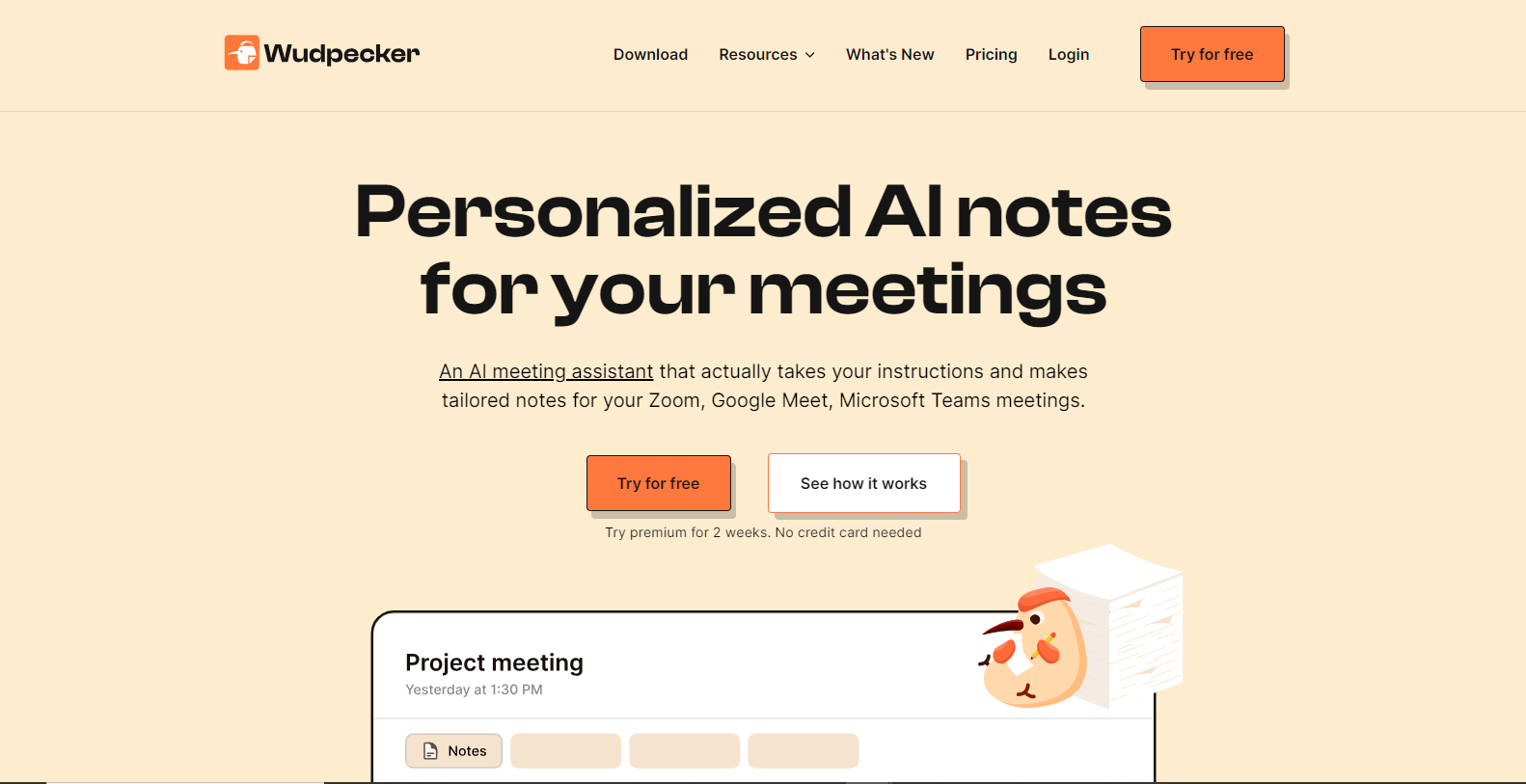
Wudpecker is an intuitive and powerful productivity suite designed to streamline workflow and enhance team collaboration. This tool offers an array of features specifically crafted to optimize project management, communication, and productivity across dynamic business environments. Whether you’re a small startup or a large corporation, Wudpecker delivers a scalable solution tailored to meet the needs of modern workforces.

Key Features

  • Task Management

    Wudpecker provides a robust task management system that allows users to create, assign, and track tasks effortlessly. With features like deadlines, priority tags, and progress tracking, teams can stay aligned and productive.

  • Collaboration Tools

    Enhance team interaction with built-in chat, video conferencing, and document sharing capabilities. These tools are designed to facilitate seamless communication, reducing the need for third-party applications.

  • Customizable Dashboards

    Tailor your workspace with customizable dashboards that provide critical insights and performance metrics at a glance. This feature helps teams to visualize data and make informed decisions quickly.

  • Automation Workflows

    Automate repetitive tasks with Wudpecker’s workflow automation. Set triggers and actions that streamline routine processes, saving valuable time and reducing human error.

  • Integration with Popular Apps

    Wudpecker seamlessly integrates with various popular applications such as Slack, Google Workspace, and Microsoft 365, allowing for a unified workflow without the hassle of switching between platforms.

  • Advanced Reporting

    Generate comprehensive reports with ease using Wudpecker’s advanced reporting tools. Gain insights into team performance, project progress, and resource allocation with customizable reporting options.

Use Cases

Wudpecker is ideal for project managers, remote teams, marketing departments, and IT services. It supports industries such as technology, finance, and creative agencies by reducing complexity and driving efficiency within teams.

Pricing

Wudpecker offers flexible pricing plans tailored to suit different business needs. For details on the various plans and pricing options, please View pricing.

Tool Analysis

Pros

  • Offers extensive customization options to fit specific business needs
  • Strong integration capabilities with other popular tools
  • User-friendly interface and easy onboarding process

Cons

  • Advanced features may require additional training for optimal use
  • Higher pricing tiers might be a barrier for smaller businesses

FAQs

  • Can Wudpecker be used on mobile devices?

    Yes, Wudpecker is fully accessible on both iOS and Android devices, allowing users to manage projects on the go.

  • Is there a trial version available?

    Yes, Wudpecker offers a 14-day free trial for new users to explore its core features.

  • How secure is the platform?

    Wudpecker employs enterprise-grade security measures, including data encryption and regular audits, to ensure user data is protected.

  • Can we customize the tool to match our brand?

    Absolutely, Wudpecker offers custom branding options, allowing businesses to tailor the platform to match their unique identity.

  • Does Wudpecker support multilingual options?

    Yes, Wudpecker supports multiple languages to cater to diverse teams across the globe.

There are no reviews yet.

Leave a Review

Your email address will not be published. Required fields are marked *

Related listing