
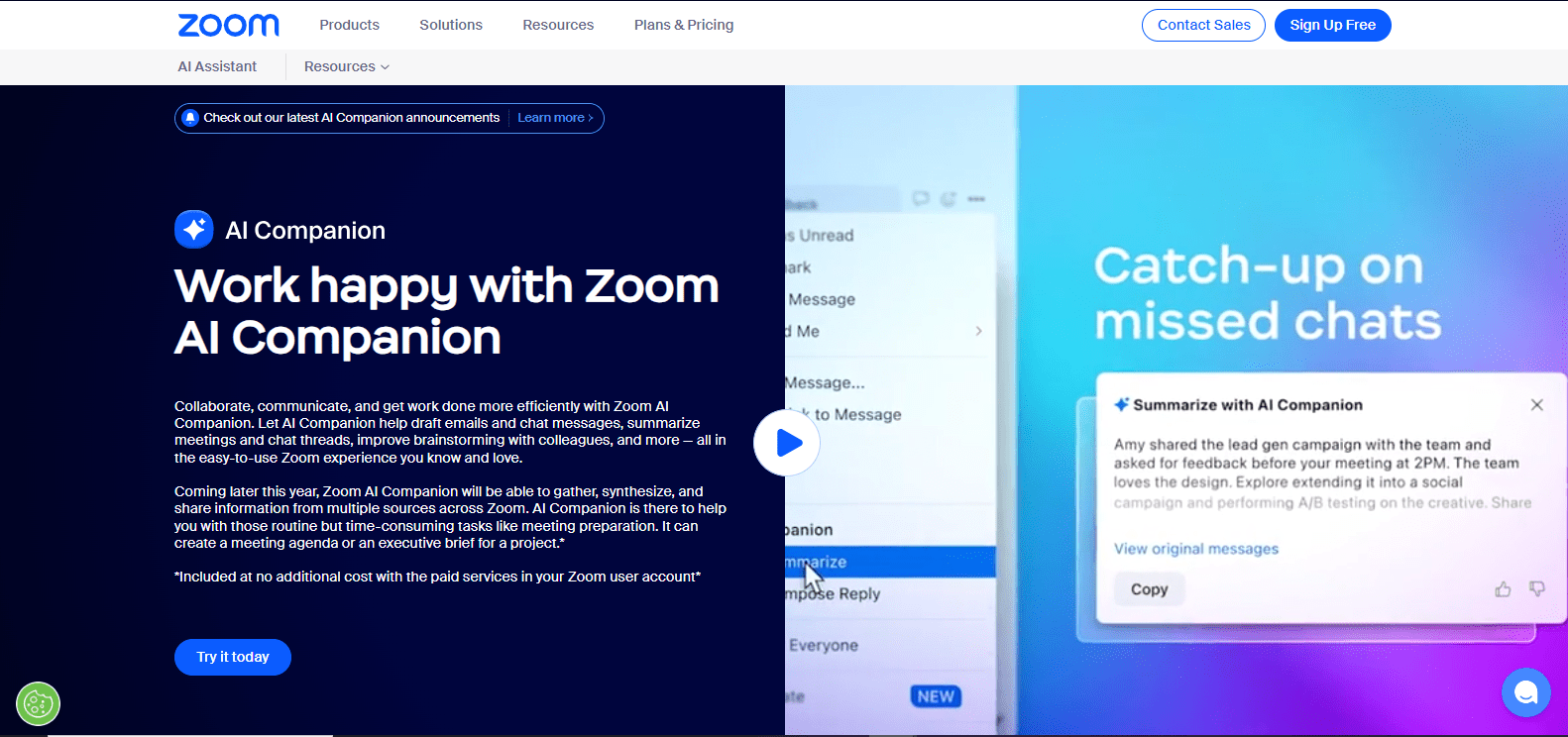
Zoom AI assistant

Zoom-AI-assistantpng

Zoom AI assistant

Features

About the Tool

The Zoom AI assistant is an advanced tool designed to enhance productivity and streamline communication within the Zoom platform. Integrating seamlessly into your meetings, it leverages artificial intelligence to perform tasks such as summarizing discussions, generating insights, and enhancing participant interaction. This assistant aims to minimize administrative burdens and allow professionals to focus on meaningful engagement.

Key Features

  • Automated Meeting Summaries

    The Zoom AI assistant automatically generates concise summaries of meetings, capturing key points and action items, enabling participants to keep track of decisions and next steps without manually taking notes.

  • Real-time Transcriptions

    Benefit from real-time transcriptions during meetings, ensuring that all spoken content is captured and saved, making it easy to reference discussions or for participants to read along in noisy environments.

  • Intelligent Task Detection

    Detects and documents tasks during conversations, transforming spoken commitments into actionable items that appear in your post-meeting wrap-up automatically.

  • Natural Language Interaction

    Engage with the AI assistant using natural language to set reminders, add agenda items, or ask for participant insights, improving the fluidity and interactivity of virtual meetings.

  • Insight Generation

    Analyzes meeting content to offer valuable insights and trends, helping teams understand dynamics, participation, and sentiment over time.

  • Enhanced Security

    Ensures that all AI-driven functionality adheres to stringent security standards, like end-to-end encryption, keeping your meetings and data confidential and secure.

Use Cases

Designed to support a broad range of roles and industries, the Zoom AI assistant is particularly beneficial for:

  • Corporate executives who need quick and reliable meeting recaps.
  • Project managers tasked with tracking numerous action items and tasks.
  • Educators looking to augment online learning with rich transcriptions and summaries.
  • Legal professionals requiring precise documentation of discussions.
  • Healthcare administrators managing sensitive meetings and patient updates.

Pricing

To explore detailed pricing options and find the right plan for your business, please View pricing.

Tool Analysis

Pros

  • Saves time by automating note-taking and task detection.
  • Enhances accessibility with real-time transcriptions.
  • Supports data-driven decision-making with its insights.
  • Integrates well with existing Zoom functionalities.

Cons

  • Cost may be a barrier for small teams or individual users.
  • Requires a reliable internet connection for optimal performance.
  • Some features might have a learning curve for new users.

FAQs

  • What languages does the Zoom AI assistant support?

    The tool currently supports English, with plans to expand to other major languages in future updates.

  • Can I customize my AI assistant’s settings?

    Yes, you can customize various settings such as what types of tasks are detected and how meeting summaries are generated.

  • Is the AI assistant available for all Zoom users?

    The AI assistant is available as an add-on for Zoom’s business and enterprise plans.

  • How secure are my meetings with the AI assistant?

    Security is a top priority. The AI assistant uses encryption and adheres to Zoom’s high security standards to protect your data.

  • Does the AI assistant require additional software installation?

    No additional installations are needed. The AI assistant integrates directly into your existing Zoom platform.

There are no reviews yet.

Leave a Review

Your email address will not be published. Required fields are marked *

Related listing