
Brainy Docs

Brainy-Docspng

Brainy Docs

Features

About the Tool

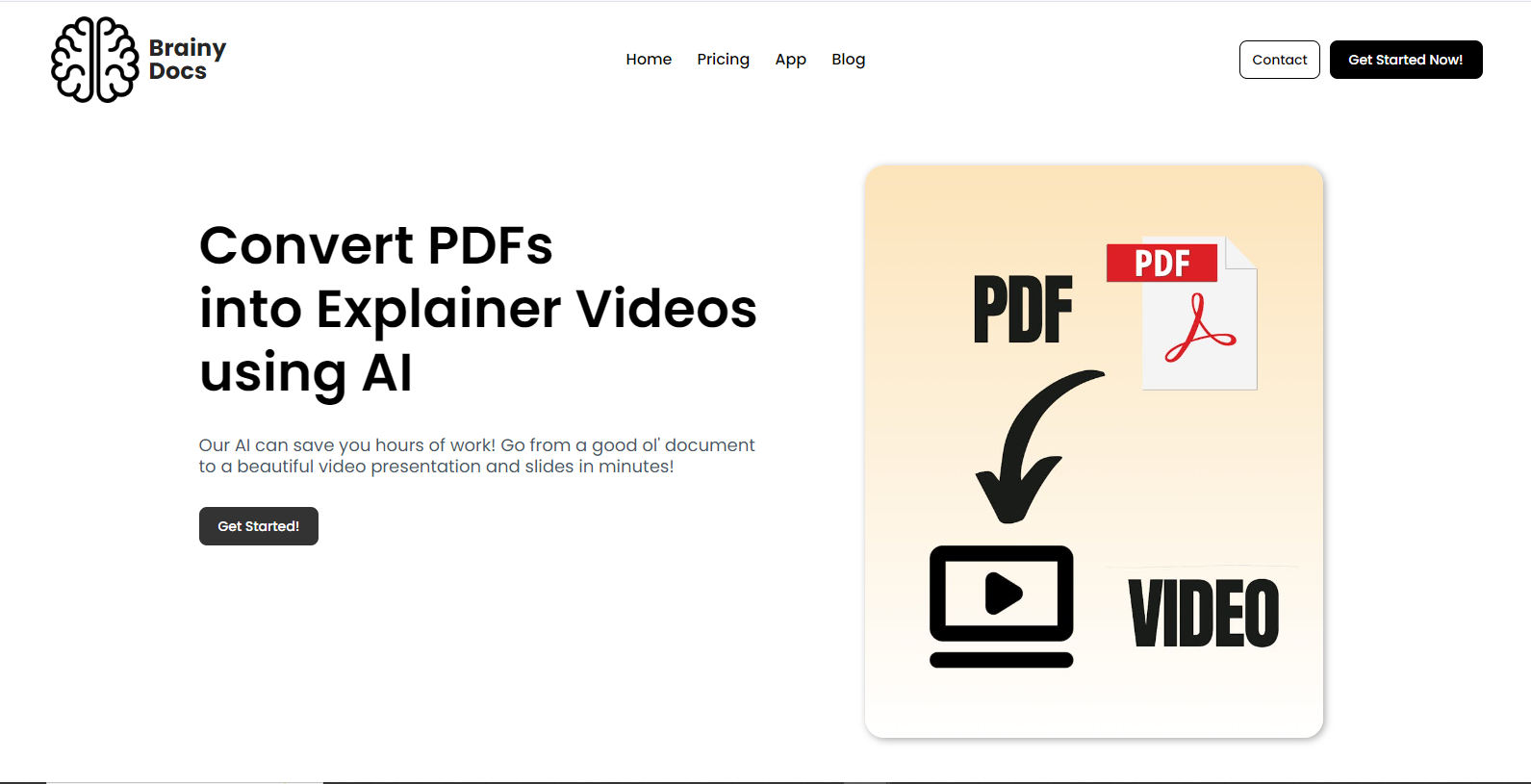
Brainy Docs is an intuitive document management and collaboration platform designed for professionals seeking efficient workflows and enhanced productivity. This tool simplifies document creation, editing, sharing, and storage, making it an ideal solution for teams and individuals striving for seamless collaboration and organization.

Key Features

  • Smart Document Editing

    Brainy Docs provides powerful editing capabilities with intelligent suggestions and a vast array of templates. Its smart editing technology allows users to produce high-quality documents quickly and effectively, complete with formatting and style recommendations.

  • Real-Time Collaboration

    The platform offers real-time collaboration features, allowing multiple users to edit documents simultaneously. This feature enhances teamwork by providing instant updates and integrated communication tools for seamless interaction.

  • Advanced Search Functions

    Utilize advanced search capabilities to locate documents swiftly and easily. The tool indexes all content within documents, enabling users to find information using keywords and contextual search features with unmatched speed and accuracy.

  • Secure File Sharing

    Brainy Docs ensures that sharing is both simple and secure. With customizable permissions and encryption standards, you can control who accesses your documents and keep your data safe across all devices and networks.

  • Complete Version History

    Access a comprehensive version history that allows users to track changes, revert to previous versions, and understand the evolution of each document. This feature is essential for maintaining the integrity and accuracy of your work.

  • Integration with Popular Tools

    Seamlessly integrate Brainy Docs with popular productivity tools such as Slack, Trello, and Google Workspace. These integrations streamline your workflow by allowing data to flow effortlessly between applications.

Use Cases

Brainy Docs is ideal for a wide range of roles and industries, including:

  • Corporate Teams – Collaborate efficiently with shared document access and updates.
  • Legal Firms – Maintain document integrity and track changes for accuracy.
  • Education – Facilitate collaborative project work and real-time feedback.
  • Marketing Agencies – Manage multiple projects with integrated tools and secure sharing.
  • Freelancers – Keep work organized with easy editing and client collaboration.

Pricing

Brainy Docs offers several pricing tiers tailored to meet the needs of individual users and large teams. View pricing.

Tool Analysis

Pros

  • Easy-to-use interface with minimal learning curve.
  • Robust security features with customizable access controls.
  • Highly flexible with numerous integrations for enhanced productivity.
  • Comprehensive support and resource availability.

Cons

  • May require additional training for users unfamiliar with digital document tools.
  • Advanced features may incur extra costs for premium users.
  • Some users may experience occasional syncing delays in high-collaboration environments.

FAQs

  • Can I use Brainy Docs offline?

    Yes, Brainy Docs supports offline editing for users, allowing you to work without an internet connection. Once back online, changes are synced automatically.

  • Is Brainy Docs suitable for small businesses?

    Definitely. Brainy Docs offers scalable solutions that fit both small businesses and larger enterprises, ensuring flexibility in its offerings.

  • What type of customer support does Brainy Docs provide?

    Brainy Docs offers a comprehensive support system, including 24/7 chat support, email assistance, and an extensive knowledge base for self-service help.

  • Does Brainy Docs offer a free trial?

    Yes, new users can access a free trial to explore the full suite of features and capabilities before purchasing a subscription.

  • How does Brainy Docs ensure document security?

    Brainy Docs employs industry-standard encryption, secure data centers, and customizable access controls to safeguard your documents and sensitive information.

There are no reviews yet.

Leave a Review

Your email address will not be published. Required fields are marked *

Related listing