Descript

descriptpng

Descript

Features

About the Tool

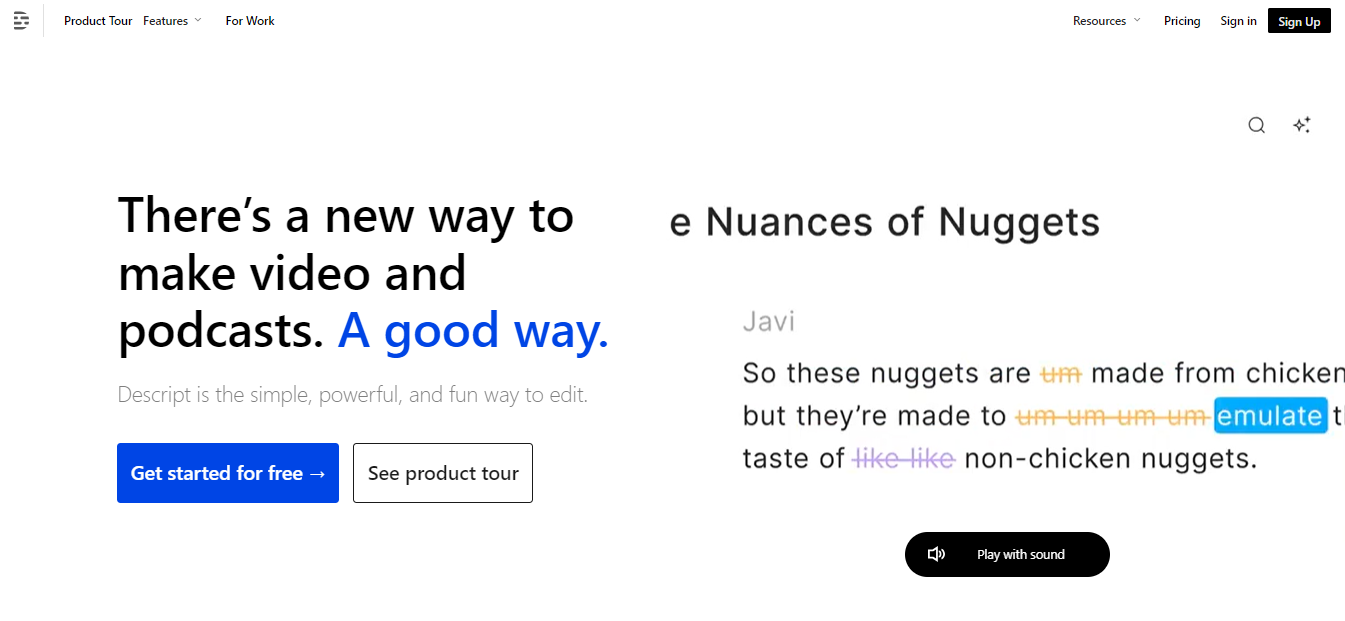
Descript is an all-in-one audio and video editing platform that combines transcription, multitrack editing, AI-powered voice tools, and collaboration features. Designed for podcasters, creators, and teams, it lets users edit media by editing text, speed up production with automated tools, and produce polished content without deep technical expertise.

Key Features

  • Text-based Multitrack Editing

    Edit audio and video by editing the transcript—cut, copy, and paste text to rearrange clips across multiple tracks. This lowers the learning curve for traditional waveform editing and speeds up rough-to-final workflows.

  • Overdub: AI Voice Cloning

    Create a digital model of a speaker’s voice to generate or correct lines without re-recording. Overdub is useful for quick fixes and consistent narration; it requires consent for voice training and offers safeguards for ethical use.

  • Studio Sound & Audio Repair

    One-click audio enhancement removes background noise, evens levels, and simulates studio-quality sound. Built-in noise reduction and EQ let creators improve recordings from remote interviews or on-location shoots.

  • Automatic Transcription & Captions

    Fast, searchable transcripts with speaker detection and exportable captions. Transcripts make content indexing, editing, and repurposing simpler for repackaging clips or publishing on social platforms.

  • Screen Recording & Video Editing

    Integrated screen and webcam capture with timeline editing, scene trimming, and simple visual effects. Ideal for tutorials, product demos, and social videos—record and polish in the same app.

  • Collaboration & Versioning

    Shareable projects, commenting, and version history let teams iterate without sending large files. Cloud sync and permissions help multiple contributors work together on episodes, ads, or training materials.

Use Cases

  • Podcasters

    Streamlines editing, cleanup, and distribution; Overdub and filler-word removal speed up episode fixes and consistency.

  • Video Creators & YouTubers

    Simplifies captioning, scene assembly, and repurposing long-form content into short clips for social channels.

  • Marketing Teams

    Quickly produce promotional videos, ads, and transcriptions for SEO and repurposed content across platforms.

  • Journalists & Interviewers

    Transcribe interviews instantly and edit narrative audio/video by editing text for rapid turnaround on stories.

  • Learning & Development

    Create training videos, annotated screencasts, and captioned modules for internal education and onboarding.

Pricing

See pricing page: View pricing

Tool Analysis

Pros

  • Intuitive text-first editing lowers the barrier for non-technical users.
  • Powerful AI features (Overdub, Studio Sound) accelerate post-production.
  • Integrated transcription and captions improve accessibility and repurposing.
  • Cloud collaboration and project sharing suit team workflows.

Cons

  • Advanced audio/video professionals may find limits compared with DAWs/NLEs for fine-grained control.
  • Overdub and AI features require careful consent and ethical use policies.
  • Cloud-based workflows can be constrained by upload/download speeds for large teams or files.

FAQs

  • Is Descript available on Windows and macOS?

    Yes. Descript offers desktop apps for both Windows and macOS and also provides web-based features for access from a browser.

  • How accurate are Descript’s transcriptions?

    Transcription accuracy is high for clear audio and standard accents, but noisy recordings or heavy accents may require manual correction; built-in editing makes fixes straightforward.

  • Can I export to standard audio/video formats?

    Yes. Projects can be exported as WAV, MP3, MP4, and other common formats suitable for publishing, archiving, or further editing in other tools.

  • What is Overdub and is it legal to use?

    Overdub is Descript’s voice-cloning tool that generates audio in a trained voice. You must provide consent for training a voice, and Descript enforces safeguards to prevent misuse and unauthorized cloning.

  • Does Descript support team collaboration and version control?

    Yes. Descript includes cloud project sharing, commenting, and version history features designed for teams to collaborate on media projects.

There are no reviews yet.

Leave a Review

Your email address will not be published. Required fields are marked *

Related listing
