Flick: Social
- Pricing : Freemium

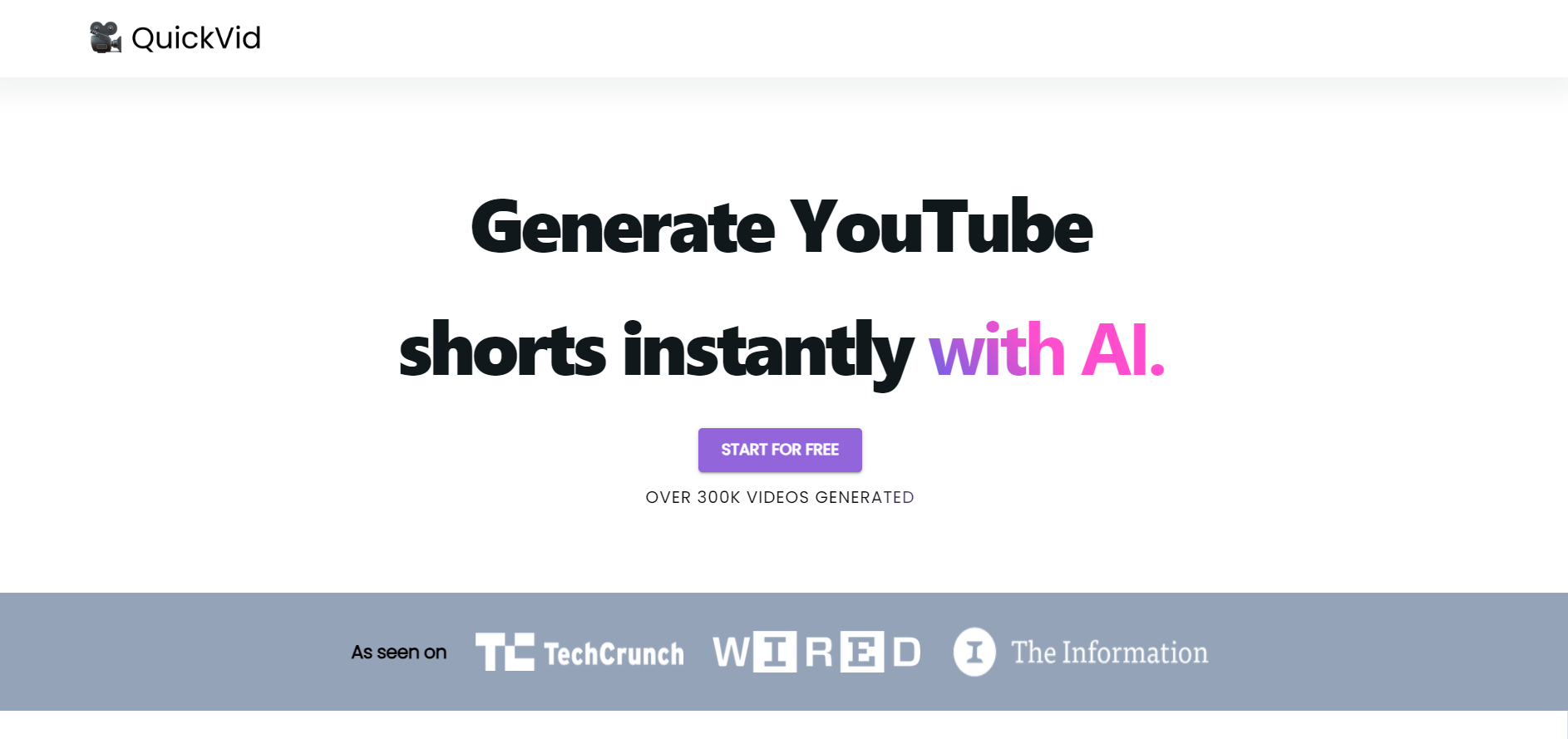
Quickvid AI is a cloud-based video creation platform that turns short scripts, articles, or product assets into polished social video content using generative AI. It automates editing, captioning, formatting, and basic motion design so marketing teams, creators, and customer-facing roles can produce platform-ready videos faster without a large editing team.
Paste a script or URL and Quickvid AI automatically selects scenes, suggests visuals, and generates a rough cut with voiceover or text-to-speech options. The engine maps narrative beats to visual templates to reduce manual editing time.
Auto-generates accurate captions with speaker detection, supports multiple languages for subtitles, and offers time-synced editing so videos are accessible and easy to repurpose for global audiences.
One-click exports optimized for vertical, square, and landscape aspect ratios with native presets for Instagram Reels, TikTok, YouTube Shorts, and LinkedIn—so you don’t have to reformat manually.
Upload logos, fonts, and color palettes to lock brand consistency. Create reusable templates and a shared asset library so teams produce on-brand videos at scale.
Includes AI-assisted cut detection, auto-zoom, and motion templates (e.g., product reveals, interview lower thirds) that apply consistent transitions and timing across clips.
Commenting, version history, and role-based access let teams iterate quickly. Integrates with cloud drives and common marketing tools to streamline content handoffs.
Create platform-optimized short videos and A/B variations quickly for paid and organic campaigns, speeding up the social content calendar.
Produce demo clips, feature highlight videos, and onboarding snippets that demonstrate new releases without a full video team.
Deliver multiple branded variations to clients faster using templates and centralized asset libraries to maintain consistency across campaigns.
Generate short product videos and vertical ads from SKU data and photos to increase conversion on marketplaces and social shops.
Turn lessons or articles into captioned micro-lessons and explainer clips suitable for learning platforms and social distribution.
See pricing page View pricing.
Speeds up multi-format production with strong automation for captions and templates; brand controls and collaboration features support team workflows; platform export presets reduce manual reformatting.
Creative control can be limited compared with full-featured NLEs for complex edits; quality of auto-generated visuals and voiceovers depends on source material; advanced customization may require export to external editors.
Yes — the platform supports long-form uploads and can automatically generate short clips, highlights, and timestamps to create shareable segments.
Yes — you can upload fonts, logos, and define color palettes to enforce brand consistency across templates and exports.
Quickvid AI offers MP4 exports in multiple aspect ratios and bitrates optimized for social platforms, with options for captions embedded or as separate SRT files.
Collaboration features like commenting, role-based access, and shared asset libraries are included; enterprise plans typically add advanced permission controls and single sign-on.
Uploaded assets are stored in user accounts with configurable access. The platform commonly offers data retention and privacy settings; consult the vendor’s documentation for specifics on encryption and deletion policies.
There are no reviews yet.