
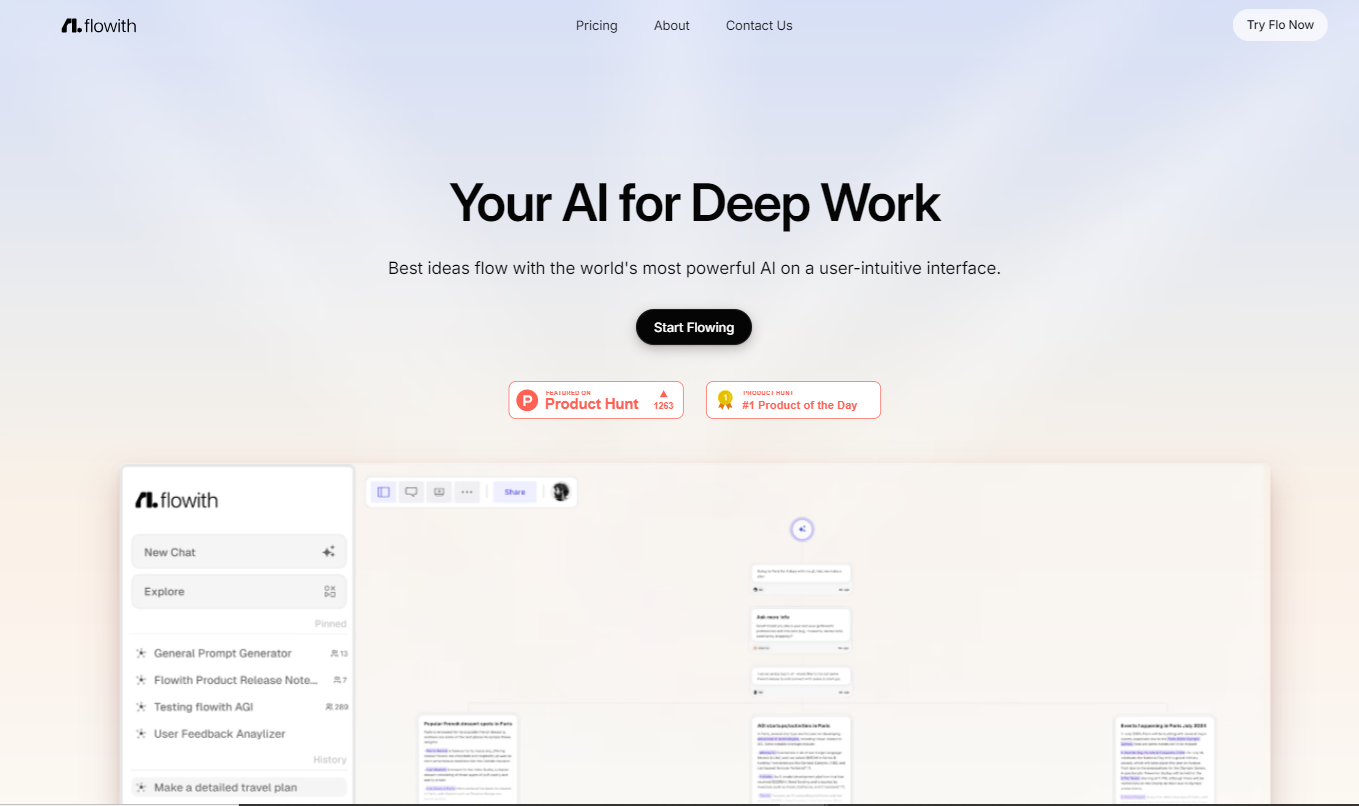
Flowith

Flowithpng

Flowith

Features

About the Tool

Flowith is a dynamic workflow automation platform designed to streamline business processes for small to large enterprises. Through its intuitive interface, Flowith enables users to automate repetitive tasks, enhance productivity, and improve workflow efficiency across various sectors.

Key Features

  • Drag-and-Drop Interface

    Flowith’s user-friendly, drag-and-drop interface allows users to effortlessly design custom workflows without any coding requirements. This feature ensures that even non-technical staff can create and manage workflows efficiently.

  • Seamless Integrations

    With a wide range of integrations, Flowith connects with popular third-party apps such as Slack, Dropbox, and Salesforce. This feature facilitates coherent communication and data exchange across different platforms.

  • Real-time Analytics

    Flowith provides real-time analytics to monitor workflow performance. Users can quickly identify bottlenecks and optimize processes through detailed insights and customizable reports, leading to data-driven decision-making.

  • Conditional Logic

    The platform offers robust conditional logic capabilities, enabling workflows to adjust automatically based on predefined rules and conditions, thereby ensuring the flexibility and adaptability of processes.

  • Task Management

    Flowith includes task management features that allow for efficient assignment, tracking, and completion of tasks within workflows, ensuring accountability and timely task execution.

  • Security and Compliance

    Flowith prioritizes data security and compliance with industry standards such as GDPR, ensuring that users’ data is secure and compliant with legal regulations.

Use Cases

Flowith can be applied across various industries and roles, including:

  • Project Managers in IT sectors to streamline project workflows.
  • HR departments for automating employee onboarding processes.
  • Marketing teams to automate campaign management and reporting.
  • Operations managers in logistics for process efficiency management.
  • Finance departments to automate invoicing and budget approvals.

Pricing

To explore various subscription plans and find the best option for your business, please View pricing.

Tool Analysis

Pros

  • User-friendly interface with no coding required.
  • Wide range of app integrations boost functionality.
  • Real-time analytics for proactive process improvements.
  • High level of customization with conditional logic.
  • Strong security and compliance standards.

Cons

  • Initial setup may require a learning curve.
  • Advanced features may be overwhelming for less tech-savvy users.
  • Limited customization in lower-tier plans.

FAQs

  • What industries benefit the most from Flowith?

    Flowith is versatile and beneficial for industries like IT, finance, HR, logistics, and marketing where process automation can significantly enhance efficiency.

  • Does Flowith require coding knowledge?

    No, Flowith is designed with a no-code interface, making it accessible for users with no technical background.

  • Can Flowith integrate with existing systems?

    Yes, Flowith offers seamless integrations with a variety of popular business applications and platforms.

  • How does Flowith ensure data security?

    Flowith adheres to strict security protocols and complies with industry standards, including GDPR, to protect user data.

  • Is there a trial version available?

    Yes, Flowith offers a free trial period, allowing users to explore its features before committing to a subscription plan.

There are no reviews yet.

Leave a Review

Your email address will not be published. Required fields are marked *

Related listing