
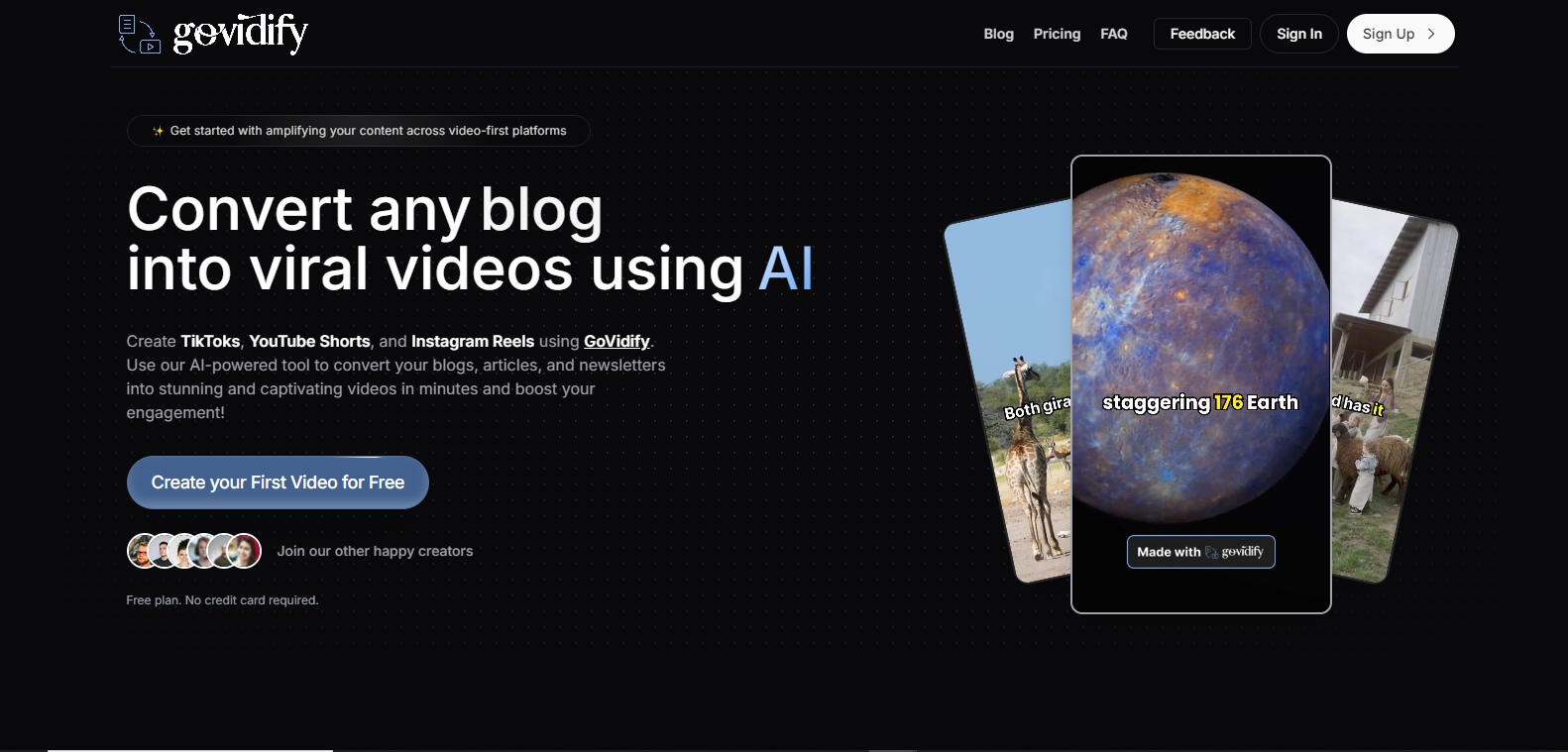
GoVidify

GoVidifypng

GoVidify

Features

About the Tool

GoVidify is a cutting-edge video conferencing and collaboration tool designed to streamline virtual meetings and enhance team productivity. With a user-friendly interface and high-quality video capabilities, GoVidify is tailored for businesses of all sizes looking to improve their remote communication efforts.

Key Features

  • High-Definition Video and Audio

    Experience seamless video calls with HD video and crystal-clear audio. GoVidify ensures every participant has the best possible reception, even in low-bandwidth environments.

  • Screen Sharing and Annotation

    Effortlessly present your ideas by sharing your screen. Use built-in annotation tools to highlight key points and engage your audience more effectively.

  • Virtual Backgrounds and Filters

    Add a professional touch to your meetings with customizable virtual backgrounds. Apply filters to enhance the lighting and appearance of your video feed.

  • In-Call Messaging

    Communicate efficiently with in-call messaging, allowing participants to share links, notes, and quick thoughts without interrupting the flow of the meeting.

  • Meeting Recording and Transcripts

    Record entire meetings and access automated transcripts to ensure that you never miss important details. Easily share recordings with team members or clients for review.

  • Secure and Encrypted

    Protect your conversations with end-to-end encryption, ensuring that all communications remain confidential and secure from unauthorized access.

Use Cases

GoVidify is ideal for a variety of roles and industries, including:

  • Businesses looking to facilitate remote meetings and improve collaboration among team members.
  • Schools and universities conducting virtual classes and lectures.
  • Healthcare providers offering telemedicine consultations and patient follow-ups.
  • Freelancers and consultants providing services and collaborating with clients globally.
  • Sales teams conducting virtual product demos and client meetings.

Pricing

For detailed pricing information, please View pricing.

Tool Analysis

Pros

  • Intuitive user interface and smooth onboarding process.
  • Reliable video and audio quality, even with large groups.
  • Comprehensive security features to protect meeting data.
  • Versatile across various devices and operating systems.

Cons

  • May require a learning curve for advanced features.
  • Limited integrations with some third-party applications.
  • Access to all features requires subscription.

FAQs

  • Can I use GoVidify on mobile devices?

    Yes, GoVidify is compatible with both iOS and Android devices through its native mobile apps.

  • Is there a limit to the number of participants in a meeting?

    GoVidify supports up to 500 participants in a single meeting, but this may vary depending on your subscription plan.

  • How secure are meetings hosted on GoVidify?

    All meetings are secured with end-to-end encryption, ensuring the highest level of privacy and security.

  • Does GoVidify offer customer support?

    Yes, GoVidify offers 24/7 customer support through various channels such as email and live chat.

  • Are there any integration capabilities with other software?

    Yes, GoVidify can integrate with popular tools such as Google Calendar, Microsoft Outlook, and more.

There are no reviews yet.

Leave a Review

Your email address will not be published. Required fields are marked *

Related listing