
Hubspot Clip Creator

Hubspot-Clip-Creatorpng

Hubspot Clip Creator
Features

About the Tool

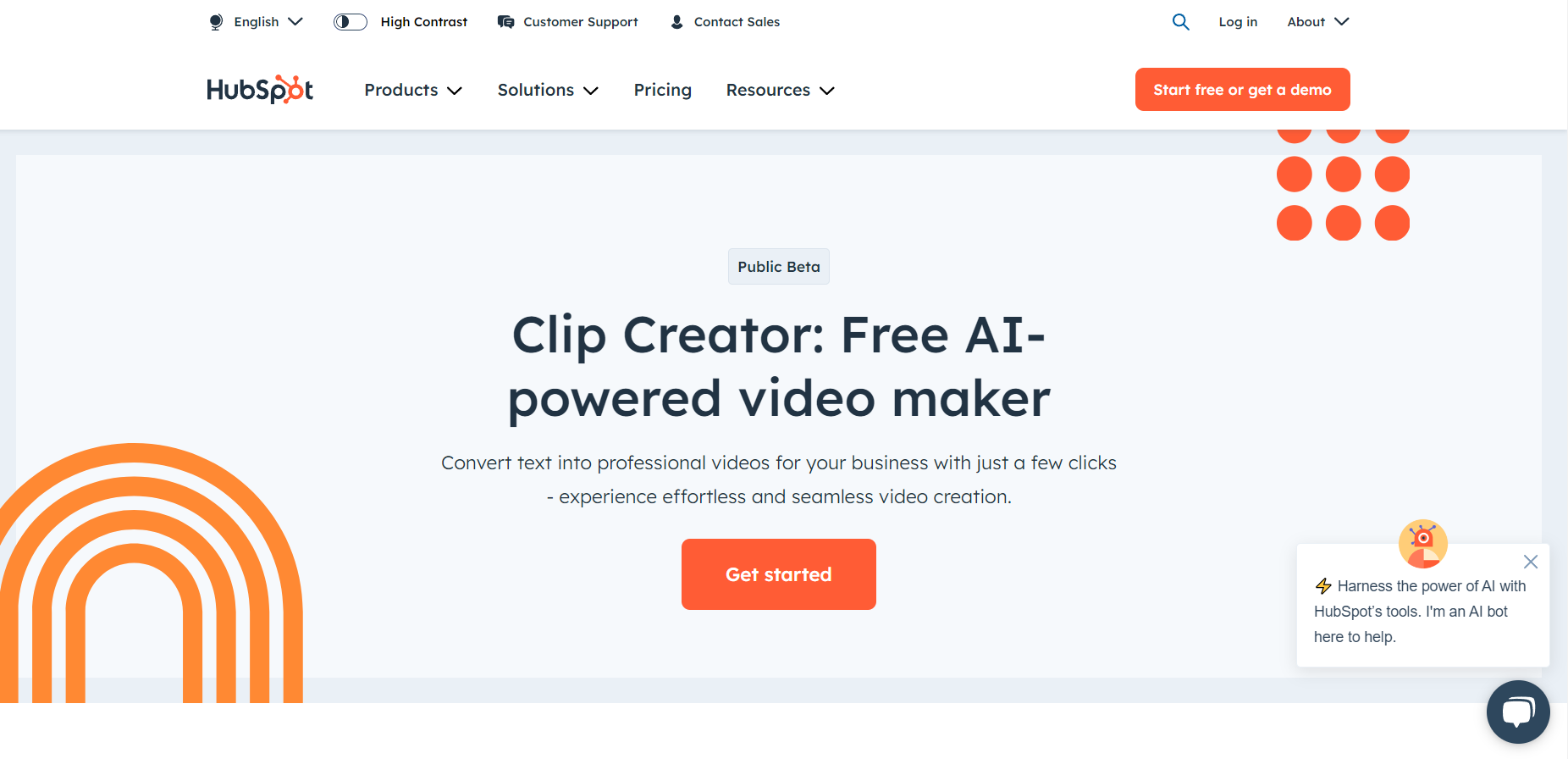
Hubspot Clip Creator is an innovative tool designed to streamline the video creation process for marketers and creators. Leveraging the power of AI, it transforms long-form video content into engaging short clips, perfect for social media sharing, email campaigns, and more. Whether you are a seasoned marketer or just navigating your way into content creation, Hubspot Clip Creator offers a user-friendly interface and robust features to enhance your video marketing efforts.

Key Features

  • AI-Powered Clipping

    Automatically identifies the most impactful segments of your videos to create snippets that maximize viewer engagement. The AI adapts to different content styles, ensuring that every clip highlights key messages effectively.

  • Custom Branding Options

    Personalize clips with your own logos, fonts, and color schemes, ensuring consistency with your brand identity across all your marketing materials.

  • Intuitive Editing Interface

    Offers an easy-to-use drag-and-drop editor that allows for quick adjustments, trimming, and enhancements, enabling even non-technical users to produce professional-looking clips.

  • Automated Subtitles Generation

    Improve accessibility and engagement by automatically generating accurate subtitles in multiple languages, catering to a diverse global audience.

  • Social Media Optimization

    Tailors video formats specifically for various platforms including Instagram, TikTok, Facebook, and LinkedIn, ensuring optimal presentation and reach.

  • Analytics Integration

    Track the performance of your clips with built-in analytics tools that integrate seamlessly with Hubspot CRM, providing valuable insights to refine your video strategies.

Use Cases

The Hubspot Clip Creator is ideal for marketing professionals, social media managers, and content creators across a variety of industries such as digital agencies, e-commerce businesses, educational institutions, and non-profits. It’s especially useful for teams aiming to amplify their social media presence and engage audiences with compelling video content.

Pricing

For detailed pricing information, please View pricing.

Tool Analysis

Pros

Hubspot Clip Creator offers an intuitive platform integrating AI technology for efficient video processing. Its robust feature set caters to a wide range of users and enhances brand consistency while improving accessibility through automated subtitle generation.

Cons

Some advanced editing features may require a learning curve for beginners, and the reliance on AI might not capture nuanced segments perfectly, necessitating manual oversight occasionally.

FAQs

  • How does Hubspot Clip Creator improve video engagement?

    The tool uses AI to select impactful segments from longer videos, making content more digestible and engaging for viewers, especially on social media platforms.

  • Can I use my own branding elements in the clips?

    Yes, you can customize your clips with your logo, fonts, and colors to maintain brand consistency.

  • What platforms are optimized by Hubspot Clip Creator?

    The tool provides format optimizations for major platforms like Instagram, TikTok, Facebook, and LinkedIn, ensuring your clips perform well on each.

  • Does the tool integrate with other Hubspot services?

    Yes, Hubspot Clip Creator integrates seamlessly with Hubspot CRM and other analytics tools for enhanced tracking and insights.

  • Is it suitable for non-technical users?

    Absolutely, the intuitive drag-and-drop editing interface ensures that users at any skill level can produce professional-looking clips.

There are no reviews yet.

Leave a Review

Your email address will not be published. Required fields are marked *

Related listing