Inshot

inshotpng

Features

About the Tool

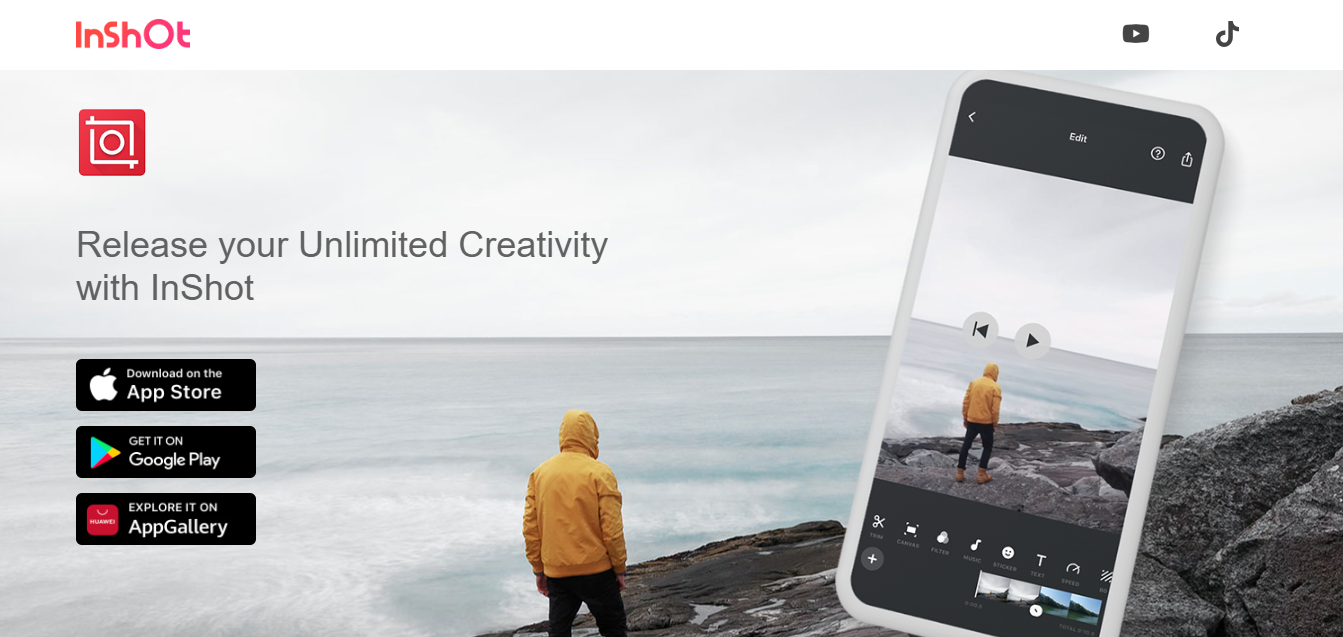
Inshot is a versatile video editing application designed for both professionals and casual users to create and edit videos effortlessly. With an intuitive interface and a comprehensive suite of features, it helps users enhance their multimedia content for social media, marketing, and personal projects. Available on iOS and Android, Inshot is your go-to solution for mobile video editing on the fly.

Key Features

  • Video Trimming & Cutting

    Edit your videos by trimming and cutting segments to achieve the perfect length. Whether you’re fine-tuning a professional project or creating a personal vlog, this feature ensures your video flows seamlessly.

  • Multiple Layers and Merging

    Inshot allows the addition of multiple layers, such as video overlays and text, enabling intricate editing capabilities. Easily merge different videos and photos to produce a cohesive and engaging final product.

  • Filters and Effects

    Enhance your videos with various filters and effects. From vintage to contemporary styles, the available options can transform the aesthetic of your project, making it visually appealing for your audience.

  • Music and Sound Enhancement

    Access a vast library of royalty-free music and sound effects, or add your own audio tracks. Adjust audio levels and synchronization to create the ideal auditory experience for your viewers.

  • Text and Stickers

    Customize your videos with text captions and an array of stickers. This feature is perfect for creating engaging narratives or adding fun elements that captivate your audience.

  • Aspect Ratio Adjustments

    Optimize your videos for any platform by easily changing the aspect ratio. Whether it’s for Instagram stories, YouTube videos, or Facebook posts, Inshot ensures your content is properly sized.

Use Cases

Inshot is widely used across different roles and industries. Social media managers leverage it for quick video edits tailored for various platforms. Content creators and influencers rely on its features to produce engaging content swiftly. Additionally, small business owners and marketers use Inshot to create promotional videos and highlight reels to increase brand exposure.

Pricing

Inshot offers flexible pricing models to suit different needs. For detailed information on pricing plans, please View pricing.

Tool Analysis

Pros

  • Intuitive user interface that is easy to navigate for beginners.
  • Extensive range of editing features that cater to both simple and complex projects.
  • Convenient mobile access for editing on-the-go.

Cons

  • Some advanced features are locked behind a subscription.
  • Limited desktop functionality as it primarily targets mobile devices.
  • In-app purchases may increase overall costs for some users.

FAQs

  • Can I use Inshot for free?

    Yes, Inshot offers basic features for free, but a subscription is needed to access advanced tools and remove ads.

  • What video formats does Inshot support?

    Inshot supports various formats, including MP4, MOV, and AVI, ensuring flexibility during import and export.

  • Is Inshot suitable for professional video editing?

    While it is more suited to casual and quick edits, Inshot does offer features that can satisfy some professional requirements.

  • Does Inshot work on both Android and iOS devices?

    Yes, Inshot is available on both Android and iOS, providing cross-platform compatibility for users.

  • Can I add my own music to videos in Inshot?

    Absolutely, users can upload their own music files or choose from Inshot’s library of audio tracks to enhance their videos.

There are no reviews yet.

Leave a Review

Your email address will not be published. Required fields are marked *

Related listing
