
InstaDoodle

InstaDoodlepng

InstaDoodle

Features

About the Tool

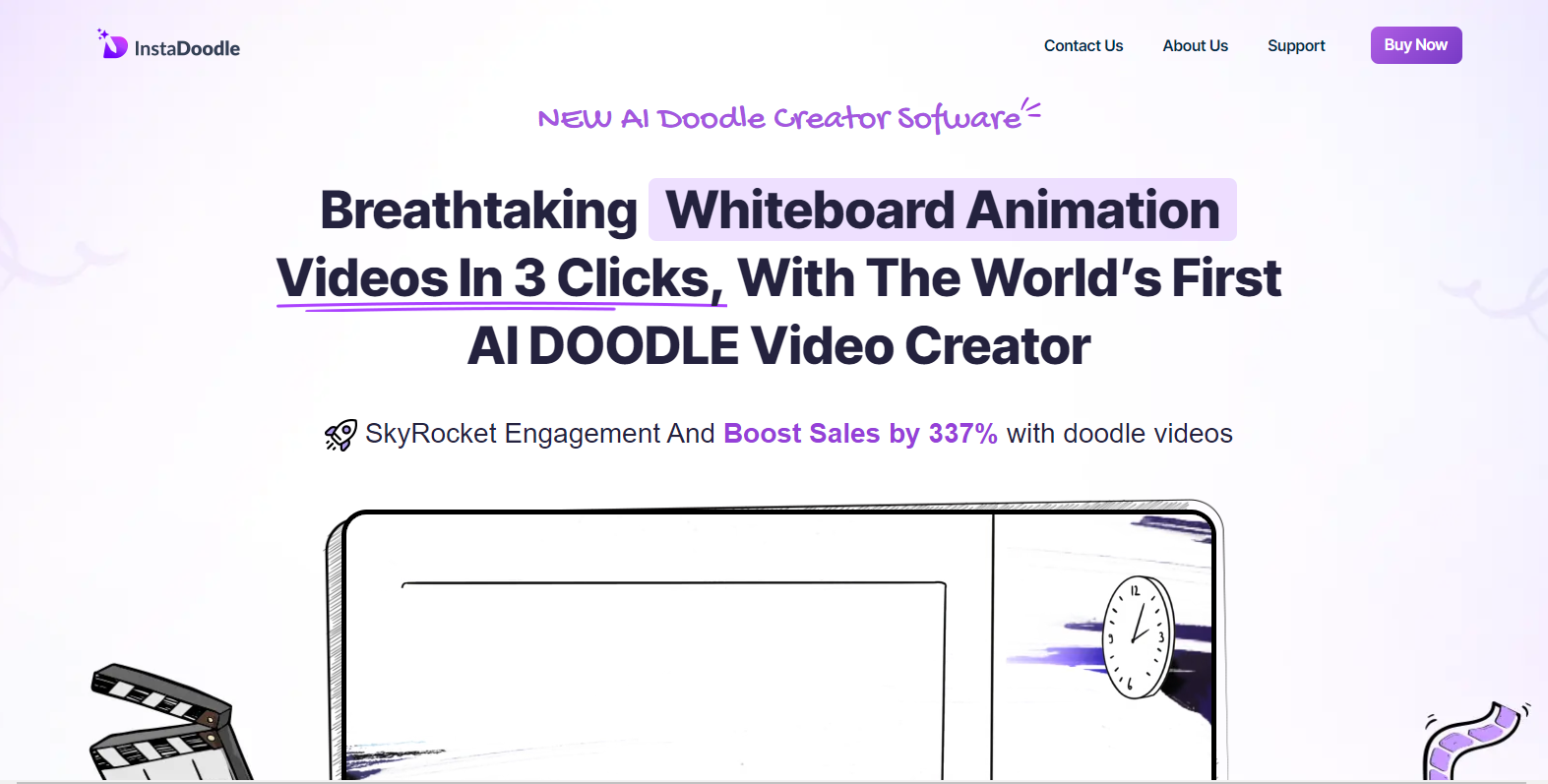
InstaDoodle is an innovative design tool that empowers users to create stunning digital artwork and illustrations effortlessly. Whether you are a professional illustrator or an amateur doodler, InstaDoodle provides a robust platform to bring your creative visions to life with ease.

Key Features

  • Intuitive User Interface

    InstaDoodle boasts an intuitive, user-friendly interface that allows users to navigate and explore its features without a steep learning curve. Its sleek design ensures that all critical tools are easily accessible, making the creative process smooth and enjoyable.

  • Vast Library of Brushes

    With an extensive selection of customizable brushes, InstaDoodle adapts to any artistic style. From textured brushes to smooth lines, users can modify brush settings to suit their needs or create unique custom brushes.

  • Cloud-Based Storage

    Keep your projects safe and accessible with InstaDoodle’s cloud storage. Access your artwork from any device, ensuring that you never lose progress, whether you’re working from home, the office, or on the go.

  • Real-Time Collaboration

    Collaborate in real-time with colleagues and clients. InstaDoodle’s collaborative features allow multiple users to work on a single project simultaneously, enhancing teamwork and speeding up the creative process.

  • Advanced Drawing Tools

    InstaDoodle offers a suite of advanced drawing tools, including layers, grids, and snap-to-guides, facilitating precision and creativity. Whether it’s intricate details or broad strokes, these tools enhance any illustration.

  • Easy Export Options

    Export your final artwork in various formats, including high-resolution images for print-ready projects or optimized files for web use. InstaDoodle ensures your art retains its quality across platforms.

Use Cases

InstaDoodle is perfect for artists, graphic designers, educators, and marketing professionals seeking a comprehensive tool for digital illustrations and dynamic presentations. It is also ideal for businesses wanting to integrate custom visuals into branding and promotional materials.

Pricing

For detailed pricing information, please View pricing.

Tool Analysis

Pros

  • Streamlined and intuitive interface, perfect for beginners.
  • Comprehensive feature set catering to a variety of creative needs.
  • Real-time collaboration enhances team creativity and productivity.
  • Cloud storage allows for flexibility and security in project management.

Cons

  • Requires a stable internet connection for cloud-based features.
  • Some advanced features may require a learning curve for beginners.
  • Mobile version lacks some advanced tools found in the desktop version.

FAQs

  • Can I use InstaDoodle offline?

    Yes, you can work offline, but certain features like cloud storage and real-time collaboration require an internet connection.

  • Does InstaDoodle support vector graphics?

    No, InstaDoodle is primarily focused on raster illustration, but it includes many features to create high-quality digital artwork.

  • Is there a mobile app for InstaDoodle?

    Yes, InstaDoodle offers a mobile application with core features, ideal for sketching on the go. However, it may lack some advanced capabilities available on the desktop version.

  • How secure is my data with InstaDoodle?

    InstaDoodle uses top-tier encryption and security measures to ensure your artwork and data remain secure and private.

  • What type of customer support is available?

    InstaDoodle provides 24/7 customer support through chat and email, ensuring users can access assistance whenever needed.

There are no reviews yet.

Leave a Review

Your email address will not be published. Required fields are marked *

Related listing