
OneTake AI

OneTake-AIpng

OneTake AI

Features

About the Tool

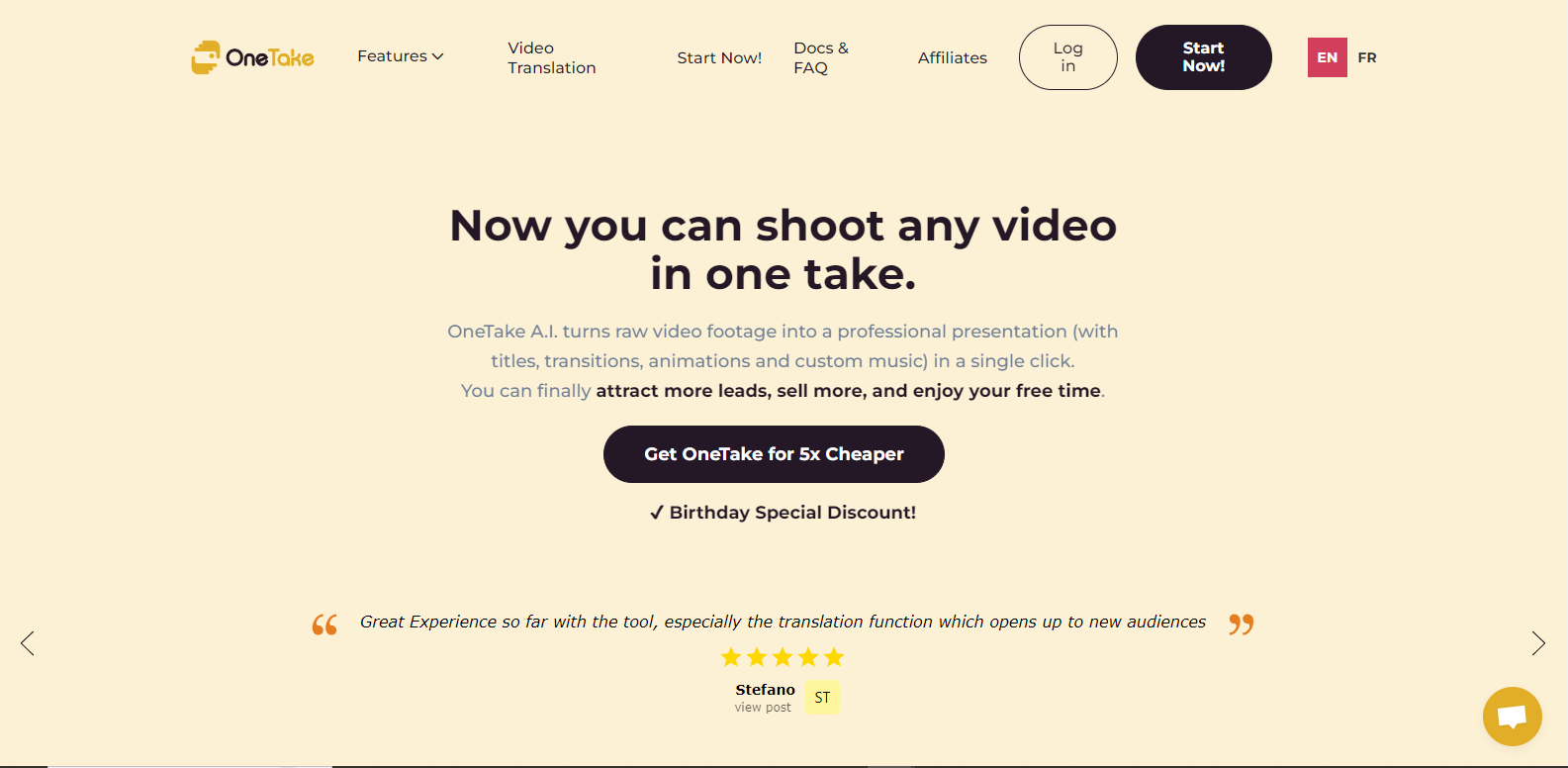
OneTake AI is an advanced video editing and production tool designed to enhance and streamline the creative process. Utilizing state-of-the-art artificial intelligence, the tool enables users to efficiently edit videos with precision and ease, making it an ideal companion for both seasoned professionals and creative enthusiasts alike.

Key Features

  • AI-Powered Editing

    OneTake AI leverages artificial intelligence to automate routine editing tasks, such as trimming, filtering, and stabilizing footage. This feature reduces the time spent on technical edits, allowing creators to focus on storytelling and creativity.

  • Real-Time Collaboration

    Designed for teams, OneTake AI offers real-time collaboration capabilities. Multiple users can work on the same project simultaneously, making it perfect for remote teams or geographically dispersed collaborators.

  • Customizable Templates

    Users can choose from a wide array of customizable templates tailored for different genres and styles. These templates help in maintaining consistency in branding and presentation, which can be especially beneficial for corporate projects and brand videos.

  • Speech-to-Text Transcription

    OneTake AI includes a robust speech-to-text feature that automatically generates accurate captions and transcripts. This is particularly useful for creating accessible content and enhancing viewer engagement.

  • Advanced Color Grading

    With its advanced color grading tools, OneTake AI allows users to adjust color balance, saturation, and contrast to achieve the desired visual aesthetic. The intuitive interface makes it easy for even novice users to apply professional-grade color corrections.

  • Intuitive User Interface

    The user-friendly interface of OneTake AI ensures a seamless learning curve. Intuitive menu layouts and helpful tooltips provide guidance at every step, making complex video editing approachable for all users.

Use Cases

OneTake AI is suitable for a variety of roles and industries, including:

  • Video production teams in media and entertainment industries
  • Social media content creators
  • Marketing agencies looking to create promotional videos
  • Educational institutes developing online courses and learning materials
  • Corporate professionals crafting training and onboarding materials

Pricing

OneTake AI offers flexible pricing plans to accommodate different user needs. For detailed pricing information, please View pricing.

Tool Analysis

Pros

  • Efficient automation of editing tasks
  • Facilitates collaborative work
  • Wide range of customizable templates
  • Accessible for all skill levels

Cons

  • May require internet access for full features
  • Some features may have a learning curve for complete mastery

FAQs

  • What are the minimum system requirements for OneTake AI?

    OneTake AI is compatible with both Windows and macOS. Minimum requirements include a 64-bit processor, 8GB RAM, and 500MB of free disk space.

  • Can OneTake AI be used offline?

    Some basic editing features can be used offline, but advanced capabilities such as collaboration and cloud processing require an internet connection.

  • Does OneTake AI offer a free trial period?

    Yes, OneTake AI offers a 14-day free trial to explore all its features before committing to a subscription.

  • Is there support available for new users?

    OneTake AI provides comprehensive support including tutorials, a help center, and responsive customer service to assist new users.

  • Can I import projects from other editing software?

    Yes, OneTake AI supports importing project files from a variety of commonly used editing platforms, ensuring a smooth transition.

There are no reviews yet.

Leave a Review

Your email address will not be published. Required fields are marked *

Related listing