
Opus Clip

Opus-clip-1jpg

Opus Clip

Features

About the Tool

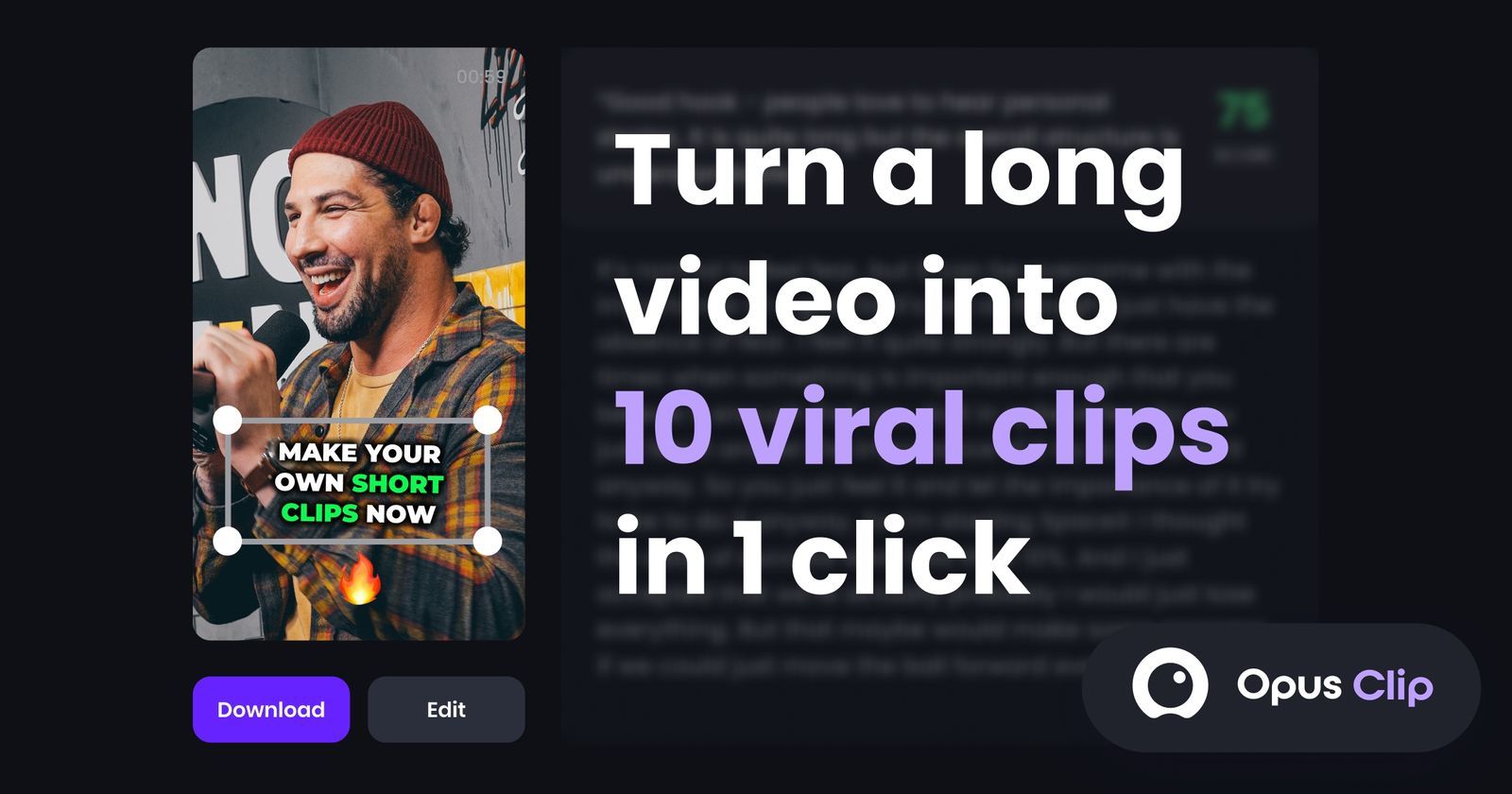
Opus Clip is an advanced video editing tool designed to streamline the creation process for content creators, marketers, and businesses. This software offers intuitive features that cater to both novice and experienced users, making video production efficient and creative. Opus Clip’s dynamic platform is perfect for anyone looking to enhance their video content effortlessly.

Key Features

  • Automated Editing

    Opus Clip uses AI-driven technology to automatically edit videos, saving users time and effort. The tool analyzes raw footage to create polished, engaging content with minimal manual intervention.

  • Customizable Templates

    Access a library of professionally designed templates that can be customized to suit different types of content and branding requirements. These templates ensure consistency and quality in every video.

  • Multi-Language Captioning

    Create accessible content with automated captioning that supports multiple languages. This feature helps broaden audience reach and improves SEO for your videos.

  • High-Resolution Output

    Produce videos in high definition, maintaining the integrity and clarity of your original footage. Opus Clip supports various output formats to suit different platforms.

  • Collaboration Tools

    Collaborate seamlessly with team members by sharing projects and edits in real time. Version control ensures all contributors are aware of the latest updates.

  • Enhanced Media Library

    Gain access to an expansive media library featuring stock video, audio, and graphics, enabling enriched content creation without needing external resources.

Use Cases

Opus Clip is ideal for:

  • Content Creators: Enhance YouTube, TikTok, and Instagram videos effortlessly.
  • Marketers: Create promotional videos to boost engagement across multiple platforms.
  • Educators: Develop instructional visuals for e-learning content.
  • Corporate Training: Streamline the production of internal training materials.

Pricing

Opus Clip offers flexible pricing plans to cater to various needs and budget constraints. View pricing for detailed information.

Tool Analysis

Pros

  • Easy-to-use interface suitable for all skill levels.
  • Strong automation features reduce editing time.
  • Robust media library enhances creativity without additional costs.
  • Multi-language support improves global reach.

Cons

  • Advanced features may require a learning curve for beginners.
  • Some users may find limited customization in templates.
  • High-resolution exports can be bandwidth-intensive.

FAQs

  • How long is the free trial for Opus Clip?

    The free trial is available for 14 days, allowing users to explore the tool’s features without commitment.

  • Can Opus Clip be used on mobile devices?

    Yes, Opus Clip offers a mobile app compatible with both iOS and Android devices for on-the-go editing.

  • Does Opus Clip offer customer support?

    24/7 customer support is available through email, chat, and phone to assist with any technical or usage issues.

  • Is there a limit to the video length Opus Clip can edit?

    There is no specific length limit, but processing times may vary based on the video’s complexity and duration.

  • Can I collaborate with others on a video project?

    Yes, Opus Clip offers collaboration tools that allow you to share projects and work on edits simultaneously with team members.

There are no reviews yet.

Leave a Review

Your email address will not be published. Required fields are marked *

Related listing