
QuickVideo

QuickVideopng

QuickVideo

Features

About the Tool

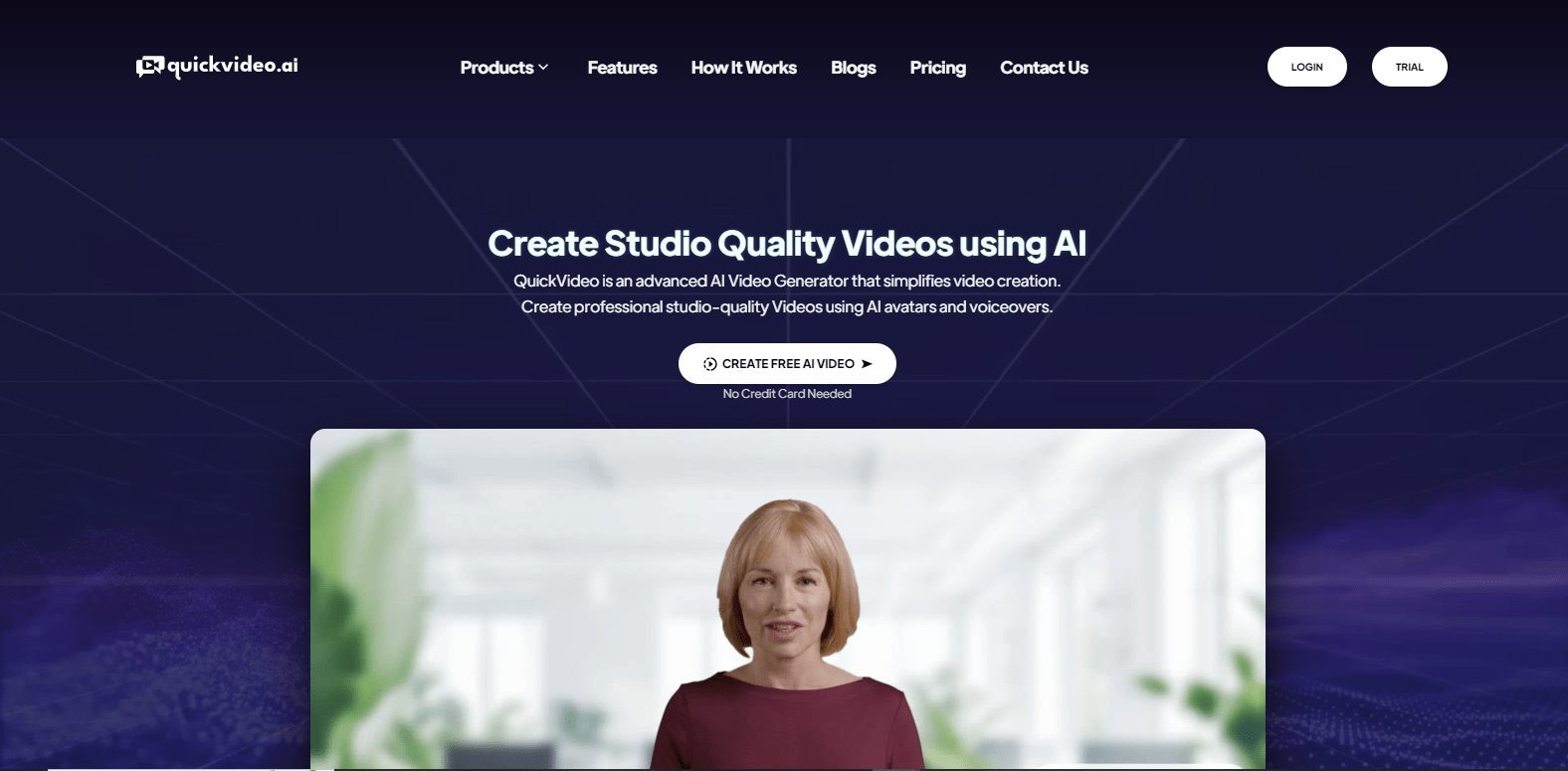
QuickVideo is a comprehensive video editing and management platform designed to cater to the needs of both amateur videographers and professional film editors. Known for its intuitive interface and powerful tools, QuickVideo helps users create stunning videos with ease. Whether you are creating content for social media or putting together a full-length feature, QuickVideo offers flexibility and control over the entire video production process.

Key Features

  • Intuitive Editing Interface

    The platform offers a user-friendly interface that makes video editing seamless. With drag-and-drop functionality and a wide range of editing tools, users can easily trim, cut, and merge clips to achieve their vision.

  • High-Quality Exports

    QuickVideo supports exporting videos in various high-definition formats, ensuring that your final product maintains its quality across different devices and platforms.

  • Built-in Stock Library

    Access a robust stock library of royalty-free music, images, and video clips directly from the platform to enhance your projects without the need for external resources.

  • Advanced Audio Tools

    With features such as noise reduction and automatic sound balancing, QuickVideo ensures that your audio tracks are as polished as your visuals.

  • Collaboration and Sharing

    QuickVideo supports team collaboration by allowing multiple users to edit and review projects simultaneously, while also providing easy sharing options for feedback and distribution.

  • Comprehensive Color Grading

    Achieve professional-grade color correction and grading with QuickVideo’s comprehensive suite of color tools, including LUT support and precise color wheels.

Use Cases

QuickVideo is ideal for a wide range of use cases, supporting diverse roles and industries such as:

  • Social Media Content Creators looking for quick and polished videos to engage their audience.
  • Marketing Teams needing to produce promotional videos under tight deadlines.
  • Independent Filmmakers who require professional-quality editing tools within a manageable budget.
  • Educational Institutions creating instructional content and video courses.
  • Cinematic Arts Students seeking to learn advanced video editing and production techniques.

Pricing

QuickVideo offers flexible pricing plans to suit different needs and budgets. To find the plan that works best for you, visit our View pricing page.

Tool Analysis

Pros

  • Intuitive, easy-to-use interface suitable for all levels of experience.
  • Extensive support for high-quality video export options.
  • Comprehensive built-in resources, reducing the need for additional purchases.
  • Advanced audio correction tools for professional sound editing.
  • Collaboration features streamline team projects.

Cons

  • Some advanced features may require a learning curve for newcomers.
  • Limited offline capabilities as it is primarily a cloud-based tool.
  • Higher-tier plans required to access all features, potentially costly for smaller projects.

FAQs

  • Can I use QuickVideo offline?

    QuickVideo is primarily a cloud-based application and requires an internet connection for full functionality.

  • Does QuickVideo support 4K video editing?

    Yes, QuickVideo supports 4K video editing and export, allowing you to maintain high resolution in your projects.

  • Is there a free version available?

    QuickVideo offers a limited-feature free trial for users to explore the platform before committing to a subscription.

  • Can I integrate third-party plugins with QuickVideo?

    Yes, QuickVideo supports certain third-party plugins, enhancing its functionality and flexibility. Please refer to our documentation for more details on compatible plugins.

  • How secure is my data on QuickVideo?

    QuickVideo employs advanced encryption and regular backups to ensure your data is secure and protected.

There are no reviews yet.

Leave a Review

Your email address will not be published. Required fields are marked *

Related listing