
Record Once

Record-Oncepng

Record Once

Features

About the Tool

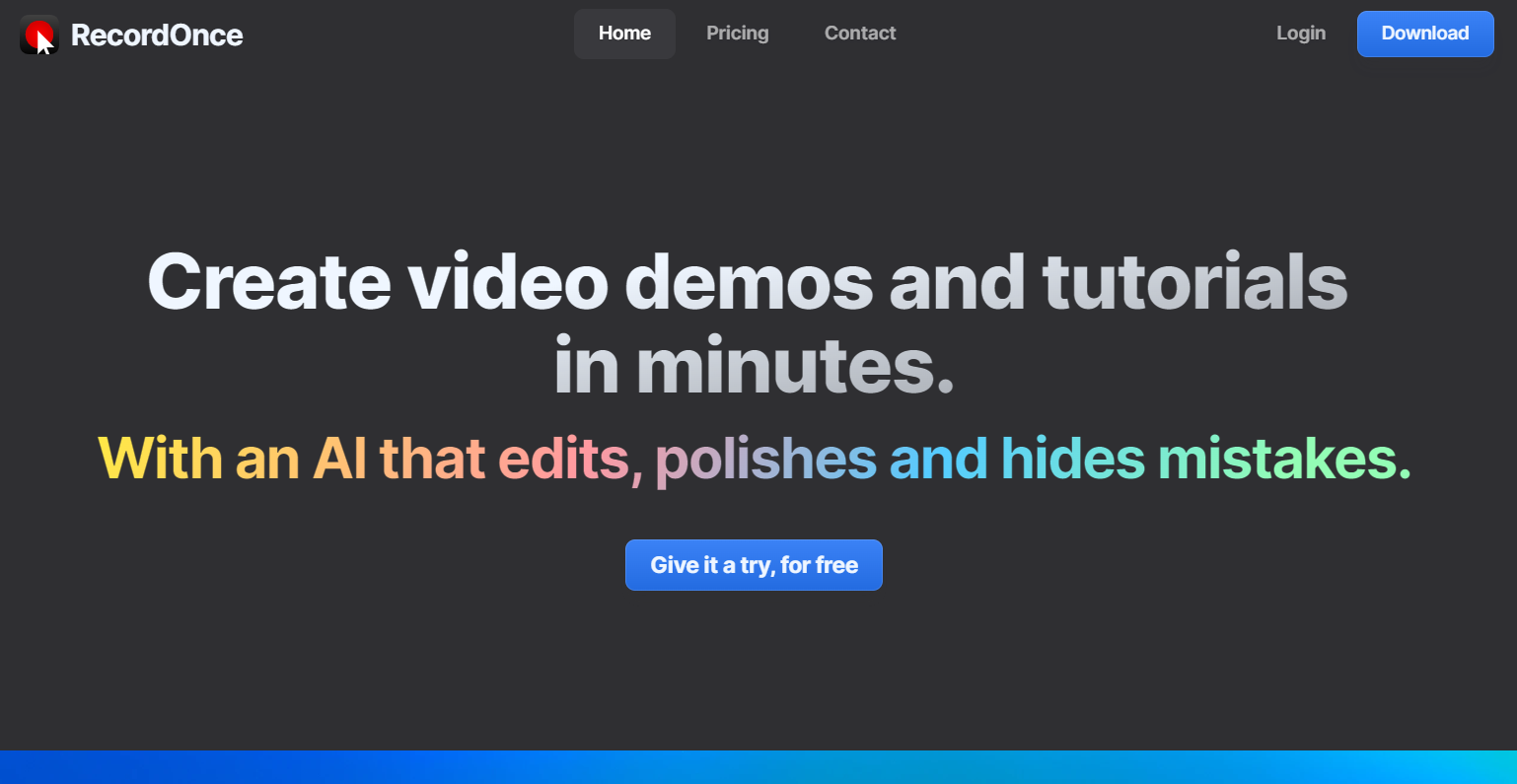
Record Once is a comprehensive screen recording and video editing software designed to streamline the creation of high-quality video content. Whether you’re a content creator, educator, or business professional, Record Once provides the tools needed to capture, edit, and share videos efficiently. With an intuitive interface and robust features, it is ideal for producing tutorials, webinars, and promotional content.

Key Features

  • High-Resolution Recording

    Capture videos in up to 4K resolution to ensure every detail is crystal clear. The software supports full-screen and selected area recording, allowing flexibility in video creation.

  • Built-in Video Editor

    Edit your recordings directly within the tool using the built-in editor. Cut, trim, and merge clips with ease, add text and annotations, and apply a variety of effects to enhance your videos.

  • Multi-Platform Support

    Record Once is compatible with Windows, macOS, and Linux, ensuring seamless operation across different systems. This feature is perfect for teams using diverse operating platforms.

  • Automatic Audio Sync

    Record and sync audio effortlessly with video clips. The automatic audio synchronization feature saves time and ensures that your audio tracks are perfectly aligned with your video.

  • Cloud Integration

    Store and share recordings easily with integrated cloud services. Whether you’re collaborating with a team or managing your content, the cloud feature ensures ready access to your video projects.

  • Real-Time Collaboration

    Collaborate with team members in real-time. Share projects, make edits, and receive feedback concurrently, streamlining the video production process.

Use Cases

Record Once is tailored for a variety of professional and educational settings:

  • Educational Institutions: Create engaging video lectures and tutorials for students.
  • Businesses: Develop professional presentations, training videos, and marketing content.
  • Content Creators: Produce high-quality YouTube videos, vlogs, and webinars.
  • IT and Software Development: Demonstrate software functionalities and troubleshoot with screen recordings.

Pricing

Explore our flexible pricing options suited for individuals, teams, and enterprises. Visit our View pricing page for more details.

Tool Analysis

Pros

  • User-friendly interface, easy to navigate for beginners.
  • Rich set of editing features within the same platform.
  • High-quality videos with support for multiple resolutions.
  • Robust collaboration tools that enhance teamwork.

Cons

  • Advanced editing features may require a learning curve for new users.
  • Limited offline capabilities; relies on internet connection for cloud features.
  • Batch processing of videos could be improved for higher efficiency.

FAQs

  • What file formats does Record Once support for exporting videos?

    Record Once supports exporting videos in popular formats like MP4, AVI, and MOV, ensuring compatibility with various platforms and devices.

  • Can I use Record Once on mobile devices?

    Currently, Record Once is available for desktop systems (Windows, macOS, Linux), with plans to expand to mobile platforms in the future.

  • Does Record Once provide customer support?

    Yes, Record Once offers 24/7 customer support via email and chat to assist with any product-related inquiries.

  • Can I integrate Record Once with third-party apps?

    Yes, Record Once offers integration with popular third-party apps like Slack, Google Drive, and Dropbox, enhancing workflow efficiency.

  • Is there a free trial available?

    Yes, Record Once offers a 14-day free trial, allowing you to test the full suite of features before making a purchase.

There are no reviews yet.

Leave a Review

Your email address will not be published. Required fields are marked *

Related listing