
Recut

Features

About the Tool

Recut is an intuitive video editing software designed to streamline and enhance the editing process for creators, professionals, and enthusiasts alike. It focuses on automating repetitive tasks, enabling users to efficiently produce high-quality content with minimal effort. Its user-friendly interface and powerful functionalities make Recut an ideal choice for those looking to elevate their video editing capabilities.

Key Features

  • Silence Detection

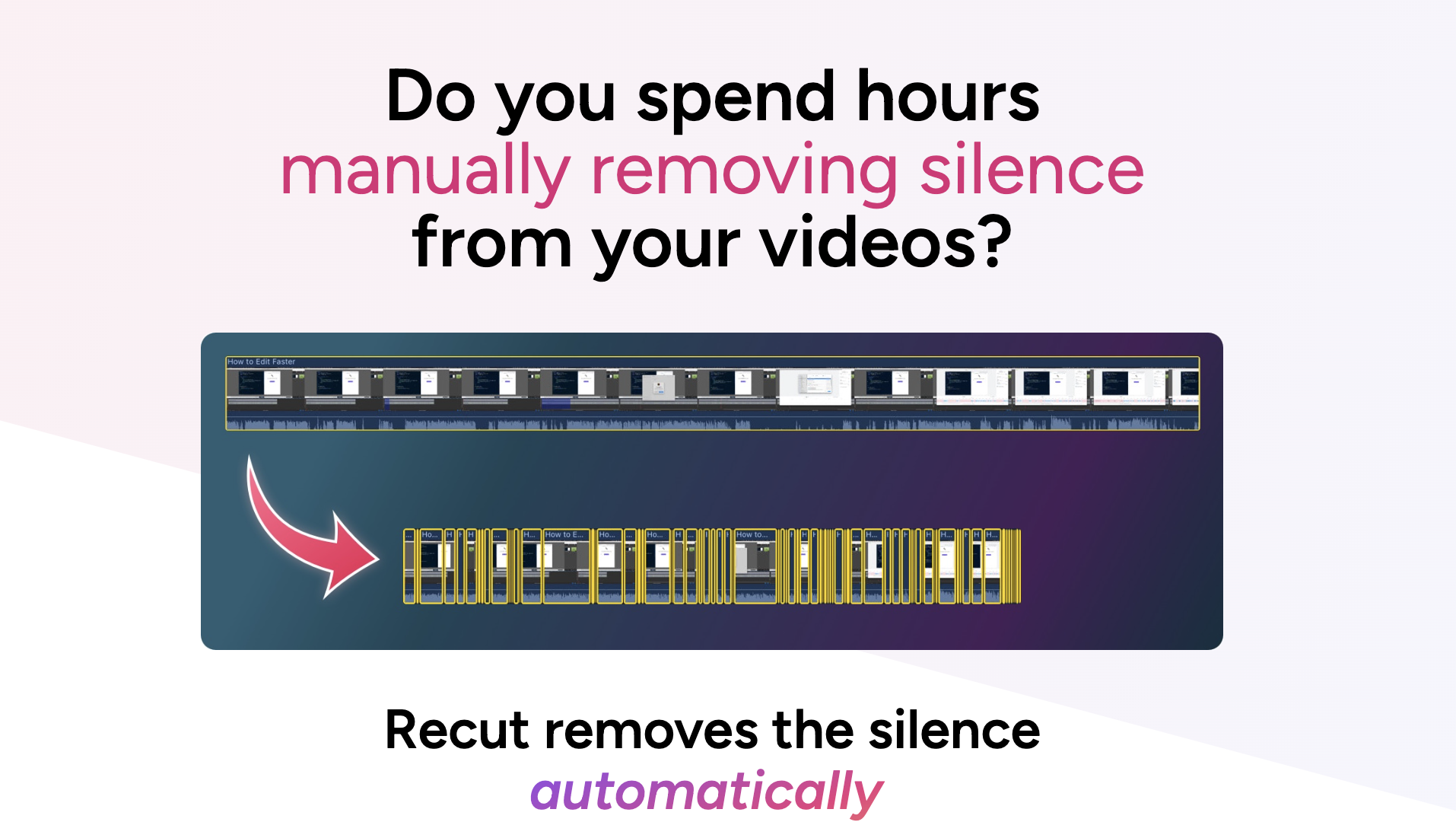
    Recut automatically detects and removes silence from videos, saving editors valuable time in the production process. This feature ensures a smoother, more engaging viewing experience by maintaining focus on the important parts of the video.

  • Customizable Shortcuts

    The tool allows users to customize keyboard shortcuts, making the editing process more efficient and tailored to personal workflows. This level of customization helps enhance productivity and ease of use.

  • Multi-Platform Export

    Recut supports exporting videos to multiple platforms with presets optimized for YouTube, Instagram, Facebook, and more. Users can ensure their content meets the specific requirements of each platform, guaranteeing the best viewing experience.

  • Seamless Integration

    With integration capabilities, Recut works smoothly with popular editing software, allowing users to import projects and further refine their edits using advanced tools. This interoperability empowers editors to utilize a wide range of resources.

  • Batch Processing

    Recut’s batch processing feature lets users handle multiple video files at once, drastically reducing the time spent on repetitive editing tasks. It’s a game-changer for professionals handling large volumes of content.

  • AI-Powered Effects

    Utilizing cutting-edge AI technology, Recut offers innovative effects that automate complex editing processes, adding creativity without the complexity. This feature enhances the visual appeal of videos with a few simple clicks.

Use Cases

Recut serves a wide range of roles and industries, including:

  • Content Creators needing fast and efficient editing solutions.
  • Marketing Professionals aiming to produce high-impact video ads swiftly.
  • Educational Institutions creating engaging learning materials.
  • Filmmakers looking for time-saving editing shortcuts.
  • News Agencies requiring quick turnaround in video editing and publishing.

Pricing

Discover the best pricing plan that suits your needs. View pricing

Tool Analysis

Pros

  • Automates tedious editing tasks, saving time and effort.
  • Highly compatible with various platforms and software.
  • User-friendly interface accommodating both beginners and professionals.
  • Regular updates introducing new features and enhancements.

Cons

  • Some advanced features may require a learning curve.
  • Limited support for certain video formats.
  • AI effects may not always match manual customization.

FAQs

  • What is Recut’s primary function?

    Recut is designed to streamline video editing by automating the removal of silence and repetitive tasks, improving editing efficiency.

  • Does Recut support team collaboration?

    Yes, Recut offers features that facilitate team collaboration, allowing multiple editors to work on projects seamlessly.

  • Can I use Recut for live streaming content?

    While Recut excels in post-production editing, its features are less suited for live streaming adjustments.

  • Is there a trial period available?

    Recut offers a free trial period that allows users to explore its features and decide if it fits their needs before committing to a subscription.

  • What are the system requirements for Recut?

    Recut runs on both Mac and Windows platforms, with minimal system requirements ensuring smooth operation on most modern computers.

There are no reviews yet.

Leave a Review

Your email address will not be published. Required fields are marked *

Related listing