
SNAPVID

SNAPVIDpng

SNAPVID

Features

About the Tool

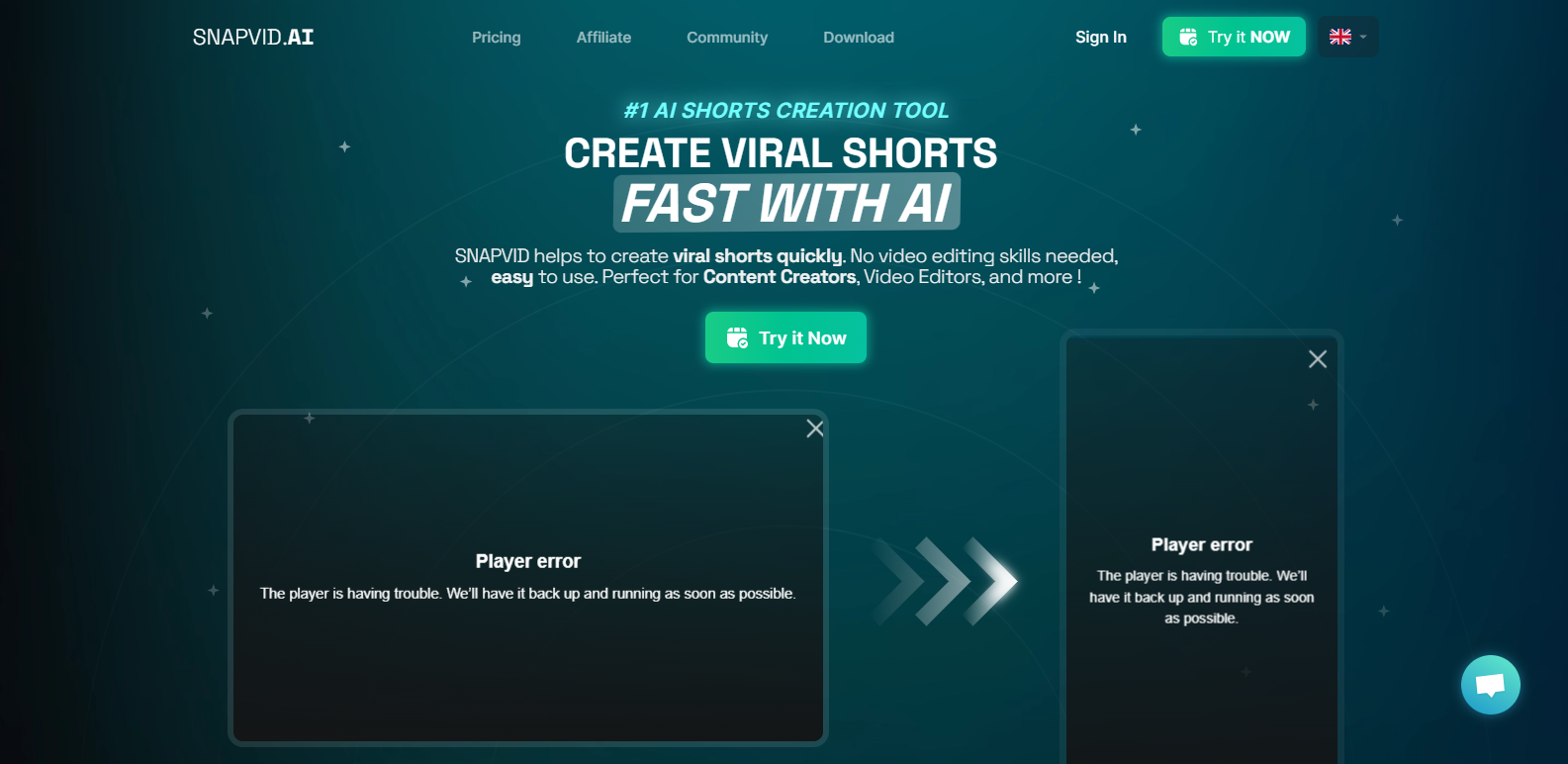
SNAPVID is a cutting-edge video editing platform designed to streamline the creation and publication process for both novice and expert video producers. With intuitive features and seamless integrations, SNAPVID makes it easier than ever to create high-quality video content. Ideal for marketers, content creators, and media professionals, this tool helps you craft compelling visual stories with ease.

Key Features

  • AI-Powered Editing

    Utilize advanced AI algorithms to enhance your videos effortlessly. SNAPVID automatically analyzes your footage and suggests edits to improve the flow and quality, saving you time and enhancing your creative process.

  • Multiplatform Publishing

    Publish your videos directly from SNAPVID to all major social media platforms, including YouTube, Instagram, and Facebook. This feature ensures your content reaches audiences wherever they spend the most time.

  • Robust Template Library

    Access a comprehensive library of customizable templates designed for various industries and content types. Whether you’re crafting a corporate presentation or a viral social media post, SNAPVID provides the tools to make your video stand out.

  • Collaborative Workspace

    Empower team collaboration with features that allow multiple users to work on a project simultaneously. Built-in communication tools help streamline feedback and approvals, making teamwork more efficient.

  • Advanced Analytics

    Track your video performance with detailed analytics, including views, engagement rates, and audience demographics. SNAPVID’s analytics tools help you understand your content’s impact and optimize future projects.

  • Seamless Version Control

    Keep track of every edit with comprehensive version control. Revert to previous versions easily, so you never have to worry about losing important changes or mistakenly overwriting valuable work.

Use Cases

SNAPVID is perfect for:

  • Marketing teams looking to create engaging promotional videos quickly.
  • Social media managers crafting content tailored to various platforms.
  • Educational professionals developing instructional materials.
  • Filmmakers and videographers who need efficient editing workflows.

Pricing

For more information on pricing plans and to choose the option that suits your needs, please View pricing.

Tool Analysis

Pros

  • Intuitive and user-friendly interface that’s perfect for beginners.
  • Powerful AI editing features that reduce the time spent on manual adjustments.
  • Comprehensive analytics for data-driven content strategies.
  • Strong collaborative tools that support team projects well.

Cons

  • Advanced features may have a learning curve for users new to video editing.
  • Limited offline capabilities, reliant on internet connectivity.
  • Some template options require additional customization for niche needs.

FAQs

  • Is SNAPVID suitable for beginners in video editing?

    Yes, SNAPVID’s intuitive design and AI-powered features make it accessible for newcomers while still offering advanced tools for experienced users.

  • Can I use SNAPVID on mobile devices?

    Currently, SNAPVID is optimized for desktop use, but the team is working on expanding mobile compatibility.

  • How secure is my data with SNAPVID?

    SNAPVID employs robust security measures, including encryption and regular security audits, to protect your content and personal information.

  • Does SNAPVID offer customer support?

    Yes, SNAPVID provides customer support via email and live chat, along with an extensive knowledge base and video tutorials.

  • What file formats does SNAPVID support?

    SNAPVID supports a wide range of video and audio formats, including MP4, AVI, MOV, MP3, and WAV, ensuring compatibility with most media.

There are no reviews yet.

Leave a Review

Your email address will not be published. Required fields are marked *

Related listing