
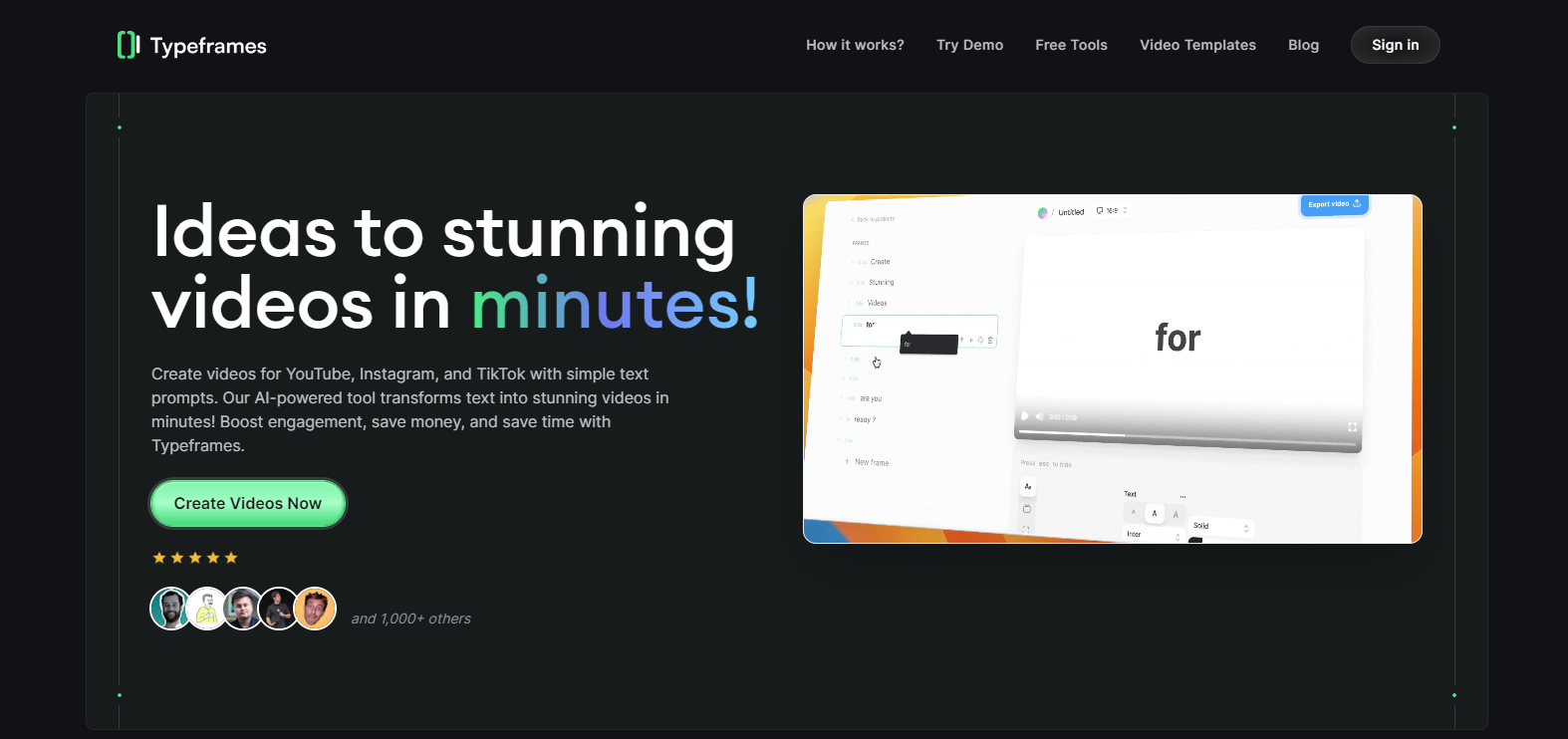
Typeframes

Typeframes-1png

Typeframes

Features

About the Tool

Typeframes is a versatile wireframing tool engineered to elevate the design process for UI/UX professionals, developers, and product managers. By focusing on user experience and functional design, Typeframes helps create informative wireframes and prototypes that streamline collaboration and enhance project clarity.

Key Features

  • Intuitive Drag-and-Drop Interface

    Typeframes offers a user-friendly drag-and-drop interface that simplifies the design process, making it accessible to both seasoned designers and beginners. The intuitive controls allow users to effortlessly organize components and assets without the need for coding skills.

  • Rich Asset Library

    Utilize an extensive library of pre-built components, icons, and templates to accelerate your design workflow. Each asset is customizable, ensuring that design specifications can be tailored to meet unique project needs.

  • Collaboration and Feedback Tools

    Enhance team collaboration with real-time editing capabilities and integrated feedback tools. Stakeholders can comment directly on wireframes, facilitating clear communication and reducing iteration cycles.

  • Responsive Design Preview

    Instantly preview how your wireframes look on various devices with the responsive design feature. This ensures designs are optimized across all platforms, from desktops to mobile devices.

  • Version Control and History

    Track changes and revert to previous versions easily with robust version control features. This helps maintain project integrity and allows designers to experiment without the risk of losing previous work.

  • Seamless Integration

    Integrate seamlessly with popular design and development tools such as Adobe XD, Figma, and Slack. These integrations help keep your design workflow connected and efficient.

Use Cases

Typeframes is ideal for UI/UX designers, web developers, product managers, and digital marketing teams. It serves various industries, including technology, education, e-commerce, and media, providing a flexible solution for prototype creation and design validation.

Pricing

For detailed pricing plans and options, View pricing.

Tool Analysis

Pros

  • Easy to use with a minimal learning curve.
  • Comprehensive library of customizable assets.
  • Strong collaboration and feedback features.
  • Responsive design capabilities.

Cons

  • Lacks advanced animation features found in dedicated prototyping tools.
  • Limited offline access as it primarily operates on a web-based interface.
  • Sometimes sluggish with large projects or files.

FAQs

  • Can Typeframes support team collaborations?

    Yes, Typeframes includes robust collaboration tools allowing teams to work together in real-time and provide feedback efficiently.

  • Is there a trial version available?

    Yes, Typeframes offers a 14-day free trial to explore its full features before committing to a subscription.

  • What file formats can be exported from Typeframes?

    Typeframes supports exports in multiple formats including PNG, JPEG, and PDF, as well as integration-compatible formats for further design work.

  • Does Typeframes offer customer support?

    Yes, Typeframes provides comprehensive customer support with multiple channels including email, chat, and an extensive knowledge base.

  • Are there any integrations available with other tools?

    Yes, Typeframes integrates with popular design and productivity tools such as Adobe XD, Figma, and Slack to enhance your workflow.

There are no reviews yet.

Leave a Review

Your email address will not be published. Required fields are marked *

Related listing