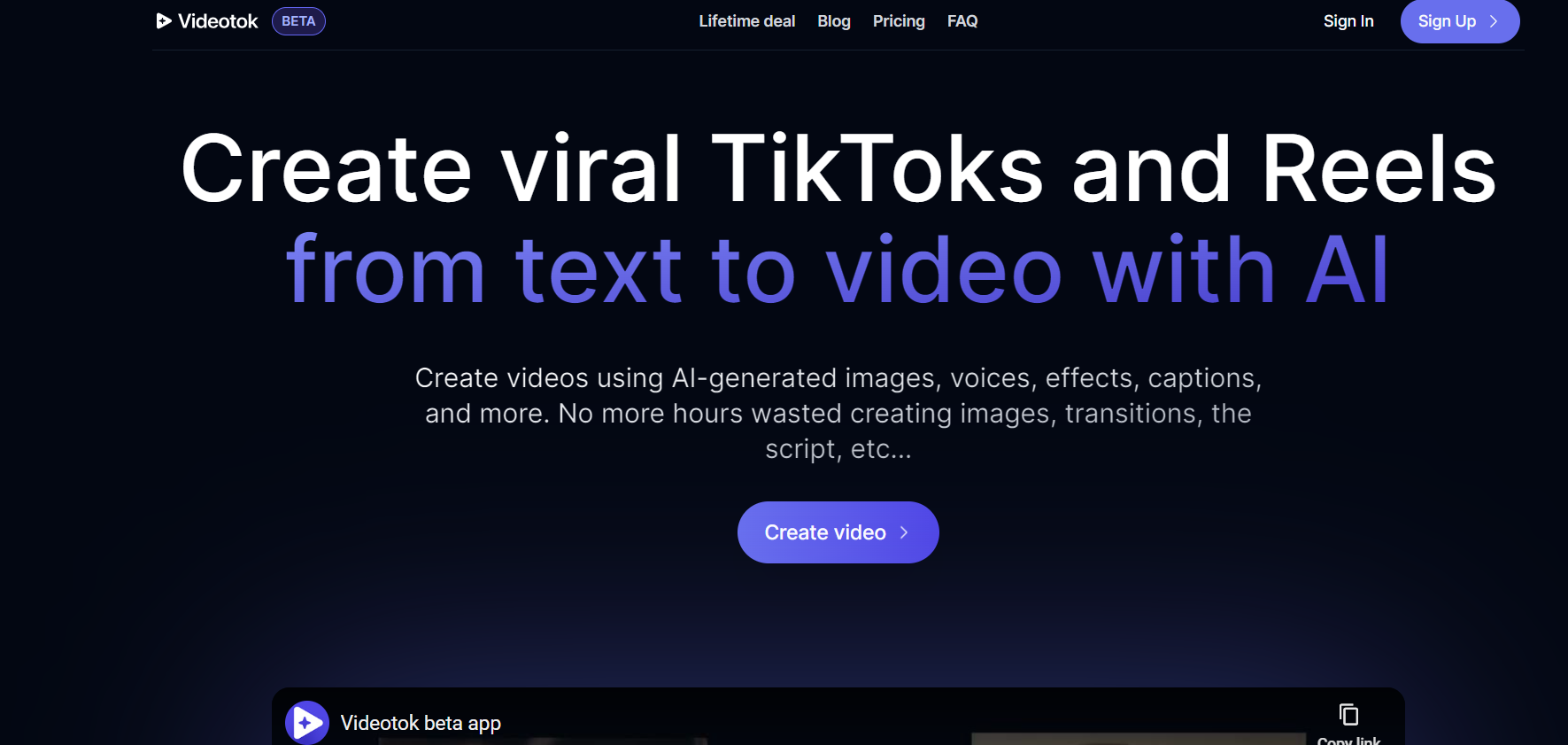
Video Tok

VideoTokPNG

Video Tok

Features

About the Tool

Video Tok is an innovative video conferencing tool designed for seamless connectivity and collaboration. It offers a platform for high-definition video calls, webinars, and team meetings, optimized to ensure reliable and smooth communication. Tailored for professionals, educators, and business teams, Video Tok prioritizes user experience by providing a range of customizable features that enhance productivity and engagement.

Key Features

  • High-Definition Video and Audio

    Experience crystal-clear video and audio quality that ensures every meeting is productive and engaging, minimizing disruptions even in low-bandwidth settings.

  • Screen Sharing and Annotation

    Easily share your screen and annotate in real-time to provide clear and concise presentations, making it ideal for both educational and corporate settings.

  • Interactive Whiteboard

    Collaborate dynamically with an integrated whiteboard feature, allowing users to brainstorm ideas, draw diagrams, and visualize concepts during meetings.

  • Virtual Backgrounds and Room Customization

    Enhance your video calls with customizable backgrounds and room settings, designed to maintain professionalism while personalizing your meeting environment.

  • Recorded Sessions

    Record your meetings with ease for future reference or to share with absent participants, ensuring no crucial information is missed.

  • Breakout Rooms

    Organize participants into smaller groups for discussions or workshops, allowing for more focused and interactive sessions within the main conference.

  • End-to-End Encryption

    Maintain confidentiality and data security with robust end-to-end encryption, protecting your conversations from unauthorized access.

Use Cases

Video Tok is ideal for various roles and industries including:

  • Business professionals seeking a reliable tool for remote meetings and collaboration.
  • Educational institutions conducting online classes and virtual lectures.
  • Healthcare providers offering telemedicine consultations.
  • Event organizers hosting webinars and virtual events.
  • Freelancers coordinating projects with international clients.

Pricing

To explore our flexible pricing plans, View pricing.

Tool Analysis

Pros

  • High-definition audio and video quality.
  • Comprehensive range of collaboration tools.
  • Strong focus on security and privacy.
  • User-friendly interface with extensive customization options.

Cons

  • May require stable internet for optimum performance.
  • Advanced features may have a learning curve for new users.

FAQs

  • What is the maximum number of participants allowed in a video call?

    Video Tok supports up to 500 participants in a single video call, depending on the pricing plan.

  • Can I use Video Tok on mobile devices?

    Yes, Video Tok offers a mobile app compatible with both iOS and Android devices for on-the-go access.

  • Is it possible to integrate Video Tok with other tools?

    Video Tok can be integrated with popular tools like Google Calendar, Microsoft Outlook, and Slack for streamlined workflows.

  • How secure are my meetings on Video Tok?

    Your meetings are highly secure, protected by end-to-end encryption to ensure complete privacy and confidentiality.

  • Can I record a meeting for later use?

    Yes, Video Tok allows you to record meetings, which can be stored and shared for future reference.

There are no reviews yet.

Leave a Review

Your email address will not be published. Required fields are marked *

Related listing