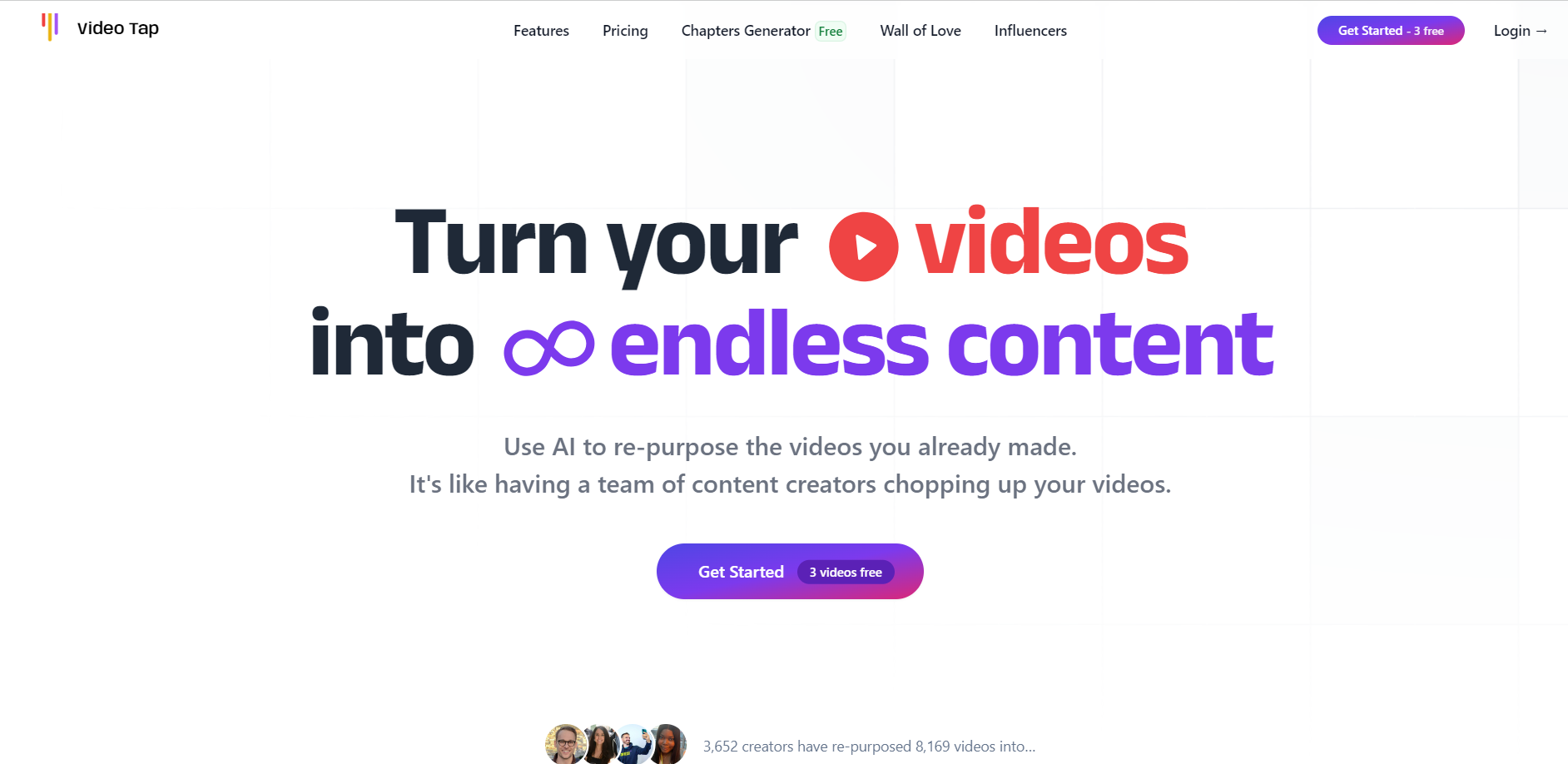
VideoTap

VideoTappng

VideoTap

Features

About the Tool

VideoTap is an intuitive and powerful video editing platform designed to cater to both beginners and professionals. It offers a range of high-quality features that allow users to create, edit, and publish stunning video content with ease. Whether you’re creating marketing videos, social media clips, or personal projects, VideoTap provides tools that enhance creativity and streamline the editing process.

Key Features

  • Intuitive Interface

    VideoTap’s user-friendly interface ensures that even beginners can navigate the software effortlessly. It integrates drag-and-drop functionality, making it simple to add clips, transitions, and effects to your video projects.

  • Professional Editing Tools

    Enhance your videos with professional-grade editing tools, including multi-layer editing, keyframe animation, and advanced color correction. These features allow you to refine every aspect of your video for a polished final product.

  • Extensive Effects Library

    Access a vast library of visual effects, filters, and transitions to add flair and creativity to your projects. With regular updates, VideoTap ensures a fresh selection of elements to keep your content engaging.

  • Real-time Collaboration

    Collaborate with team members in real time, enabling multiple users to work on the same project simultaneously. This feature fosters teamwork and accelerates the video production process.

  • Cloud Storage Integration

    Securely store and access your projects from any device with VideoTap’s cloud storage integration. This feature facilitates seamless access and backup of your projects, regardless of your location.

  • Comprehensive Export Options

    Export your projects in various formats tailored for different platforms, including social media, YouTube, and high-definition displays. VideoTap optimizes your videos for the best possible quality across all channels.

Use Cases

VideoTap is ideal for content creators, digital marketers, educators, and filmmakers. It serves industries such as advertising, education, media production, and event management, empowering professionals to make impactful video content efficiently.

Pricing

To explore VideoTap’s pricing options, please visit the View pricing page.

Tool Analysis

Pros

  • User-friendly interface suitable for all skill levels
  • Rich library of effects and editing tools
  • Real-time collaboration enhances productivity
  • Seamless cloud integration for project accessibility

Cons

  • Requires a stable internet connection for optimal performance
  • Advanced features may have a learning curve for new users

FAQs

  • What are the system requirements for VideoTap?

    VideoTap runs on Windows and macOS with a minimum of 8GB RAM and 2GB of available storage. For the best experience, a stable internet connection is recommended.

  • Can I use VideoTap offline?

    VideoTap is cloud-integrated for full functionality, meaning some features require an internet connection. However, you can work offline with limited capabilities.

  • Does VideoTap support 4K video editing?

    Yes, VideoTap supports 4K video editing and provides tools to ensure high-quality output across different platforms.

  • Is there a free trial available?

    VideoTap offers a 14-day free trial for new users to explore its features and capabilities.

  • How does VideoTap handle updates?

    VideoTap regularly releases updates to enhance features and add new functionalities, which are automatically applied to your account without any additional cost.

There are no reviews yet.

Leave a Review

Your email address will not be published. Required fields are marked *

Related listing
