
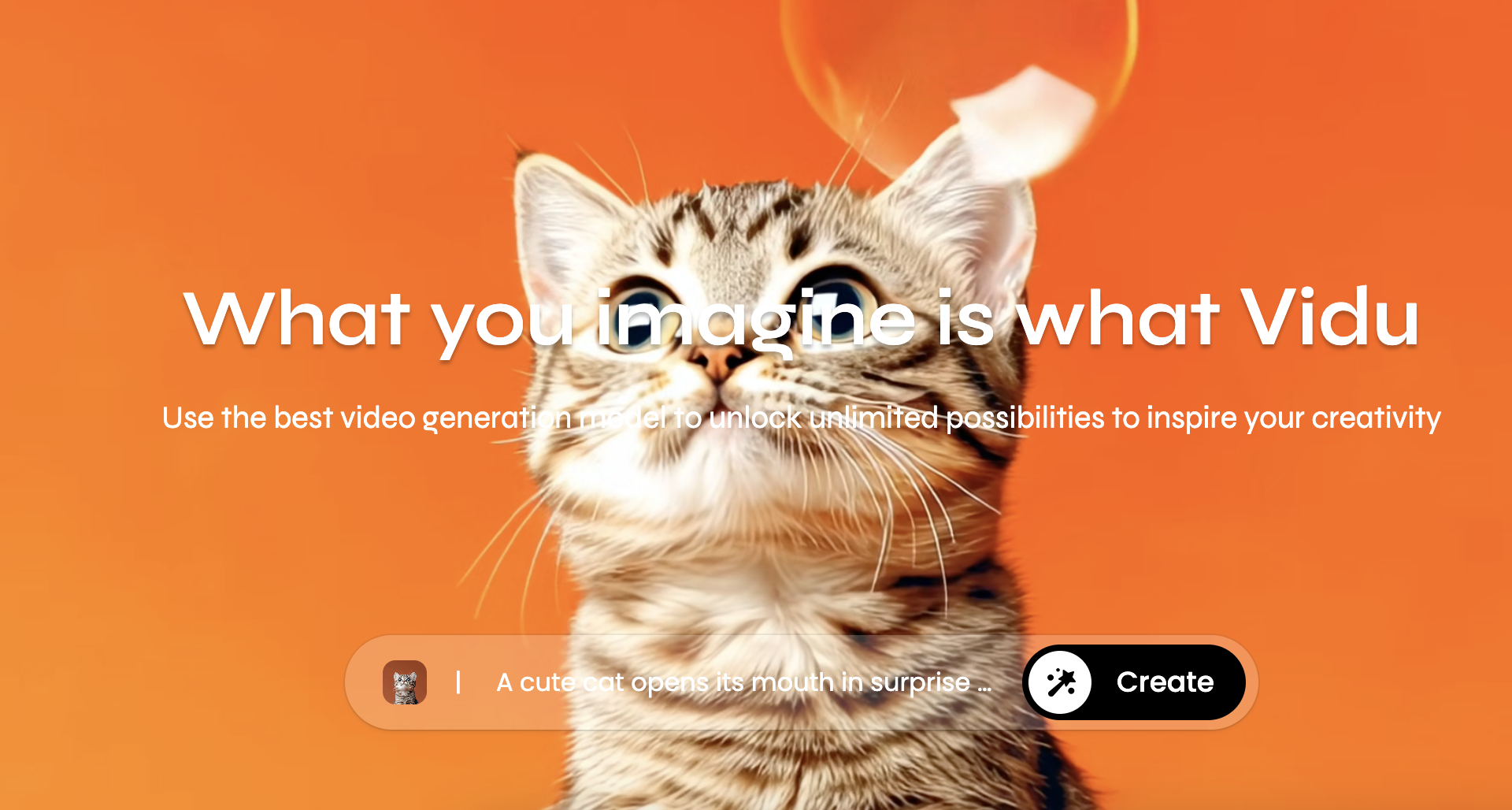
Vidu

Features

About the Tool

Vidu is a comprehensive video editing and management tool designed to streamline the creation, editing, and distribution of engaging video content. Tailored for professionals and businesses, Vidu offers an intuitive interface coupled with powerful features that cater to both beginners and seasoned video editors. Whether for marketing, education, or entertainment, Vidu enhances video workflows by delivering high-quality results effortlessly.

Key Features

  • Intuitive Editing Interface

    Vidu’s user-friendly interface enables users to edit videos with ease, providing a drag-and-drop system that simplifies complex editing tasks. The interface is designed to cater to users of all skill levels, making the video editing process smooth and efficient.

  • Advanced Audio Management

    Enhance your video projects with Vidu’s sophisticated audio management tools. Users can easily adjust sound levels, remove background noise, and add audio effects, ensuring the perfect soundtrack accompanies your visual content.

  • Customizable Templates

    Save time with Vidu’s extensive library of customizable templates. These professionally designed templates allow users to create stunning videos quickly, focusing on content rather than complex design elements.

  • Collaboration Tools

    Vidu facilitates teamwork with its robust collaboration features. Multiple users can work on the same project simultaneously, making it ideal for teams in different locations to contribute and share feedback seamlessly.

  • Cross-Platform Compatibility

    Vidu ensures that your projects are accessible on any device. With cross-platform compatibility, you can start your project on a desktop and effortlessly continue on a mobile or tablet device, ensuring flexibility in your workflow.

  • Cloud-Based Storage and Backup

    Never worry about losing your work with Vidu’s secure cloud-based storage. Automatic backups protect your projects against data loss, allowing you to focus on creativity without the fear of technical mishaps.

Use Cases

Vidu is ideal for marketing professionals, educators, content creators, and production teams in industries such as advertising, education, and media. Its features are tailored to cater to anyone looking to produce high-quality video content efficiently.

Pricing

For more details on Vidu’s pricing plans, please View pricing.

Tool Analysis

Pros

  • Easy-to-use interface suitable for all skill levels.
  • Comprehensive audio management features.
  • Rich template library for quick content creation.
  • Effective collaboration functionalities.

Cons

  • Requires a stable internet connection for cloud features.
  • Some advanced features can have a steep learning curve.
  • Limited offline editing capabilities.

FAQs

  • What type of files does Vidu support?

    Vidu supports a wide range of video, audio, and image file formats including MP4, AVI, MOV, MP3, WAV, JPG, and PNG.

  • Can I collaborate with my team in real-time?

    Yes, Vidu offers real-time collaboration tools allowing multiple users to edit and contribute to the same project simultaneously.

  • Is Vidu suitable for beginners?

    Absolutely, Vidu’s intuitive interface and guide tutorials make it an excellent choice for beginners, while advanced features cater to experienced professionals.

  • Does Vidu offer any customer support?

    Yes, Vidu provides 24/7 customer support through various channels, including live chat, email, and an extensive knowledge base.

  • Can I use Vidu on my mobile device?

    Yes, Vidu is compatible with mobile and tablet devices, allowing you to edit videos on the go with the same functionality as the desktop version.

There are no reviews yet.

Leave a Review

Your email address will not be published. Required fields are marked *

Related listing